Best Clipchamp Alternatives for PC and Mac
Clipchamp is a good simple editor, but people leave it for a few reasons: it's slow on their computer, it has no keyframes or effects to speak of, or they want to edit offline or on a Mac without a browser. Here's what each of these does better than Clipchamp, what the catch is, and how it compares. Prices are US dollars at the time of writing.
Quick answer
My picks, depending on what you need:
- CapCut: the best free step up for most creators
- DaVinci Resolve: free and professional, if your PC can take it
- Shotcut: free, open source and capable, with a learning curve
- OpenShot: free, open source and the simplest of the lot
- iMovie: free on a Mac, and very easy
- Filmora: paid and beginner friendly
- Camtasia: paid, for screen-recorded tutorials
Still deciding between Clipchamp and the top pick? My Clipchamp vs CapCut comparison goes line by line.
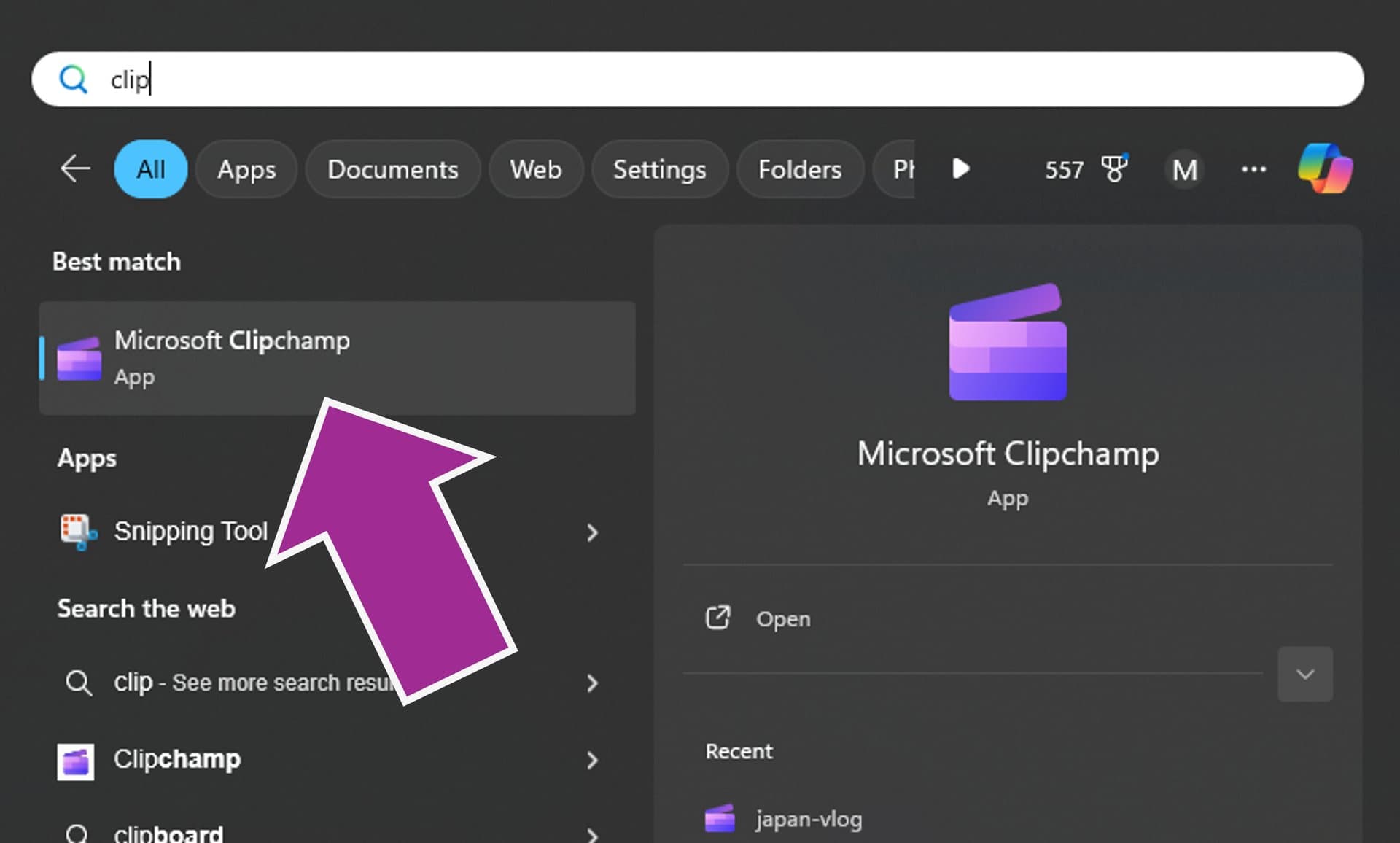
Clipchamp itself runs as a Windows app or in Edge or Chrome, so on a Mac it's browser only. Its free plan exports up to 1080p with no watermark, so I've only put an editor on this list if it does something Clipchamp can't. New to Clipchamp, or want to give it another go? Start with my beginner's tutorial for Clipchamp.
1. CapCut: Best Overall Free Alternative
What it is: a free video editor from ByteDance (the company behind TikTok) for Windows, Mac, the web, iPhone and Android. Best for: YouTube, TikTok, Shorts and Reels.
- Free plan and price: the free plan has no time limit and exports 1080p. CapCut Pro is $19.99/month or $179.99/year (see CapCut's Standard vs Pro page) and unlocks 4K, premium effects and most advanced AI tools.
- Watermark: none on a clean free export, but Pro items or templates with an outro clip can add one.
- Better than Clipchamp: keyframes, speed curves, masks, reverse, many more effects, transitions and animated text, plus a huge template library. See my guides to keyframes, slow motion, text and text to speech.
- The catch: a lot of the best features are Pro, and CapCut stops the export until you pay or remove them. It's also from ByteDance, which was pulled from US app stores in January 2025 during the TikTok ban before coming back.
Versus Clipchamp: CapCut does more, and it runs on your phone. Clipchamp is plainer and has less to learn. Get CapCut from capcut.com, and see my guide on using it for YouTube.
2. DaVinci Resolve: Free and Professional
What it is: the free version of the editor and color grader used on films and TV. Best for: anyone who wants serious editing, color, effects and audio for no money.
- Free plan and price: the free version has no time limit. It's limited to 4K UHD at up to 60fps, and Resolve Studio is a one-time $295.
- Platforms: Windows, Mac and Linux, with downloads on blackmagicdesign.com.
- Better than Clipchamp: pro color grading, a full audio studio, motion graphics, keyframes, masks, and no watermark.
- The catch: it's a big download, it wants a strong computer and graphics card, and it takes weeks to feel comfortable. The best AI tools, like Magic Mask, are Studio only.
Versus Clipchamp: it's as far from Clipchamp as an editor gets. It's far more powerful and far more demanding. If Clipchamp is lagging on your PC, Resolve won't fix it.
3. Shotcut: Free and Open Source
What it is: a free, open source editor with a lot of filters and format support. Best for: people who want power without paying or signing in.
- Free plan and price: completely free, with no watermark and no paid tier.
- Platforms: 64-bit Windows 10 or 11, macOS and Linux, from shotcut.org.
- Better than Clipchamp: it works on your own files with no account or internet, handles almost any format, supports 4K, and has a deep set of filters and keyframes.
- The catch: the layout takes getting used to, and there's no stock library, templates or text to speech.
Versus Clipchamp: Shotcut is more capable and slower to learn. Clipchamp wins on quick edits and built-in extras.
4. OpenShot: Free, Open Source and Simplest
What it is: a free, open source editor with a simple drag and drop timeline. Best for: beginners who want something light that runs offline.
- Free plan and price: free, and openshot.org says it has no watermarks or project limits.
- Platforms: Windows, Mac and Linux.
- Better than Clipchamp: unlimited tracks, keyframes, lots of transitions and editable titles, and none of it needs an account or the internet.
- The catch: the interface looks dated, and it can struggle with long or heavy projects. It has no stock library or text to speech.
Versus Clipchamp: about as easy, and a bit more capable, but without the AI extras and stock media. It's a good pick for an older PC that struggles with Clipchamp.
5. iMovie: Free on Mac
What it is: Apple's free editor. Best for: Mac users who want Clipchamp's simplicity in a proper app.
- Free plan and price: free, with no watermark, and it's on apple.com for Mac, iPhone and iPad. There's no Windows version.
- Better than Clipchamp: it's a real app that works offline, it exports 4K, and you can start on your iPhone and finish on a Mac.
- The catch: Apple only, and it's even more basic than Clipchamp. 4K projects export at 30fps and 60fps projects share at 1080p.
Versus Clipchamp: they're close in difficulty. On a Mac, iMovie is the more natural choice because Clipchamp only runs there in a browser.
6. Filmora: Paid and Easy
What it is: a paid editor from Wondershare aimed at beginners. Best for: people who want a friendly editor with lots of built-in effects and are happy to pay.
- Free plan and price: there's a free version, but every export has a watermark. The Advanced plan is $59.99 a year.
- Platforms: Windows and Mac.
- Better than Clipchamp: more effects, titles, keyframes, and an easy-to-use editor with lots of AI tools.
- The catch: you can't export without a watermark unless you pay. Compare that to Clipchamp's free plan, which never adds one.
Versus Clipchamp: a bit more powerful, but once you pay, CapCut Pro and DaVinci Resolve Studio are better value for most people.
7. Camtasia: Paid, for Screen-Recorded Tutorials
What it is: a screen recorder and editor from TechSmith. Best for: software demos, training videos and courses.
- Free plan and price: there's a free trial, and exports from the free Starter plan carry a watermark. The watermark-free plans are Essentials, Create and Pro, starting at around $180 a year.
- Platforms: Windows 10 or 11 and macOS.
- Better than Clipchamp: recording and editing built for tutorials, including cursor effects, zooms and callouts.
- The catch: it's an expensive subscription for what most people need.
Versus Clipchamp: Clipchamp records your screen and camera for free, so try it first. Move to Camtasia if you make tutorials every week and want polished zooms and cursor effects.
Also Worth a Mention: Canva and Descript
Canva is a design tool with a basic video editor, and Descript edits video by editing its transcript like a document. They're browser-first tools and a different kind of editor from Clipchamp, so I haven't compared them in detail.
Clipchamp Alternatives at a Glance
| Editor | Price | Platforms | Watermark on free version | Best for |
|---|---|---|---|---|
| CapCut | Free. Pro $19.99/month or $179.99/year | Windows, Mac, web, iPhone, Android | None on a clean export, but Pro items or templates can add one | Short-form and YouTube |
| DaVinci Resolve | Free. Studio $295 one time | Windows, Mac, Linux | None | Pro-level editing and color |
| Shotcut | Free | Windows, Mac, Linux | None | Capable and open source |
| OpenShot | Free | Windows, Mac, Linux | None | Simple and open source |
| iMovie | Free | Mac, iPhone, iPad | None | Easy edits on a Mac |
| Filmora | Free version. Advanced $59.99/year | Windows, Mac | Yes | Beginners who will pay |
| Camtasia | Free trial. Paid plans from around $180/year | Windows, Mac | Yes, on the free Starter plan | Screen-recorded tutorials |
How to Pick
- You want more effects and a free editor: CapCut.
- You want the most power for free: DaVinci Resolve, if your computer can take it.
- You want something light and offline: OpenShot or Shotcut.
- You're on a Mac and want it simple: iMovie.
- You make software tutorials: try Clipchamp's free recorder first, then Camtasia.
- Clipchamp's just slow on your PC: a lighter editor like OpenShot may help, but check my fixes for Clipchamp lag and crashes first.
What Clipchamp Does Better Than Most of These
Text to speech, auto captions and silence removal are free and one click in Clipchamp, and there's no watermark at 1080p. If that's all you need, there's no rush to switch.
Frequently asked questions
Is CapCut better than Clipchamp?
For most creators, yes. CapCut has keyframes, speed curves, masks, reverse, many more effects and templates, and it runs on phone, desktop and the web. Clipchamp is simpler, and its free plan exports 1080p with no watermark, which is why it's still good for quick Windows edits and school or work videos. I've put them head to head in my Clipchamp vs CapCut comparison.
Which is better, Clipchamp or OpenShot?
OpenShot is free and open source for Windows, Mac and Linux, and it has things Clipchamp doesn't, like keyframes and unlimited tracks, and it works without an account or internet connection. Clipchamp is easier to start with, has text to speech, auto captions and stock media built in, and has a cleaner look. Pick OpenShot if you want offline control and don't mind a dated interface, and Clipchamp if you want the quickest result.
Which is better, Shotcut or Clipchamp?
Shotcut is the more capable editor. It's free and open source, runs on Windows, Mac and Linux, has no watermark, and has far deeper filters and format support. It's also harder to learn. Clipchamp is faster for a quick edit and comes with text to speech, auto captions and stock footage. Choose Shotcut if you want power and control, and Clipchamp if you want simple.
Is there a free version of Clipchamp?
Yes. Clipchamp's free plan has no time limit and exports up to 1080p with no watermark. Premium items are marked with a diamond and block the export until you remove them or upgrade. Premium (4K export, premium stock and effects, brand kit) now comes with Microsoft 365 Personal, Family or Premium, and new buyers can't get a standalone Clipchamp Premium plan any more.
What's the best free Clipchamp alternative with no watermark?
DaVinci Resolve if you want the most powerful free editor, and Shotcut or OpenShot if you want something lighter. All three are free for Windows, Mac and Linux with no watermark. CapCut's free plan also exports without a watermark as long as you don't use Pro items or templates with an outro clip, and iMovie is free on any Mac. Filmora and Camtasia put a watermark on free exports.
What can I use instead of Clipchamp on a Mac?
Clipchamp does work on a Mac, but only in Edge or Chrome, not as an app. If you'd rather have a proper Mac app, iMovie is free and already on most Macs, and CapCut, DaVinci Resolve, Shotcut and OpenShot all have Mac versions too.