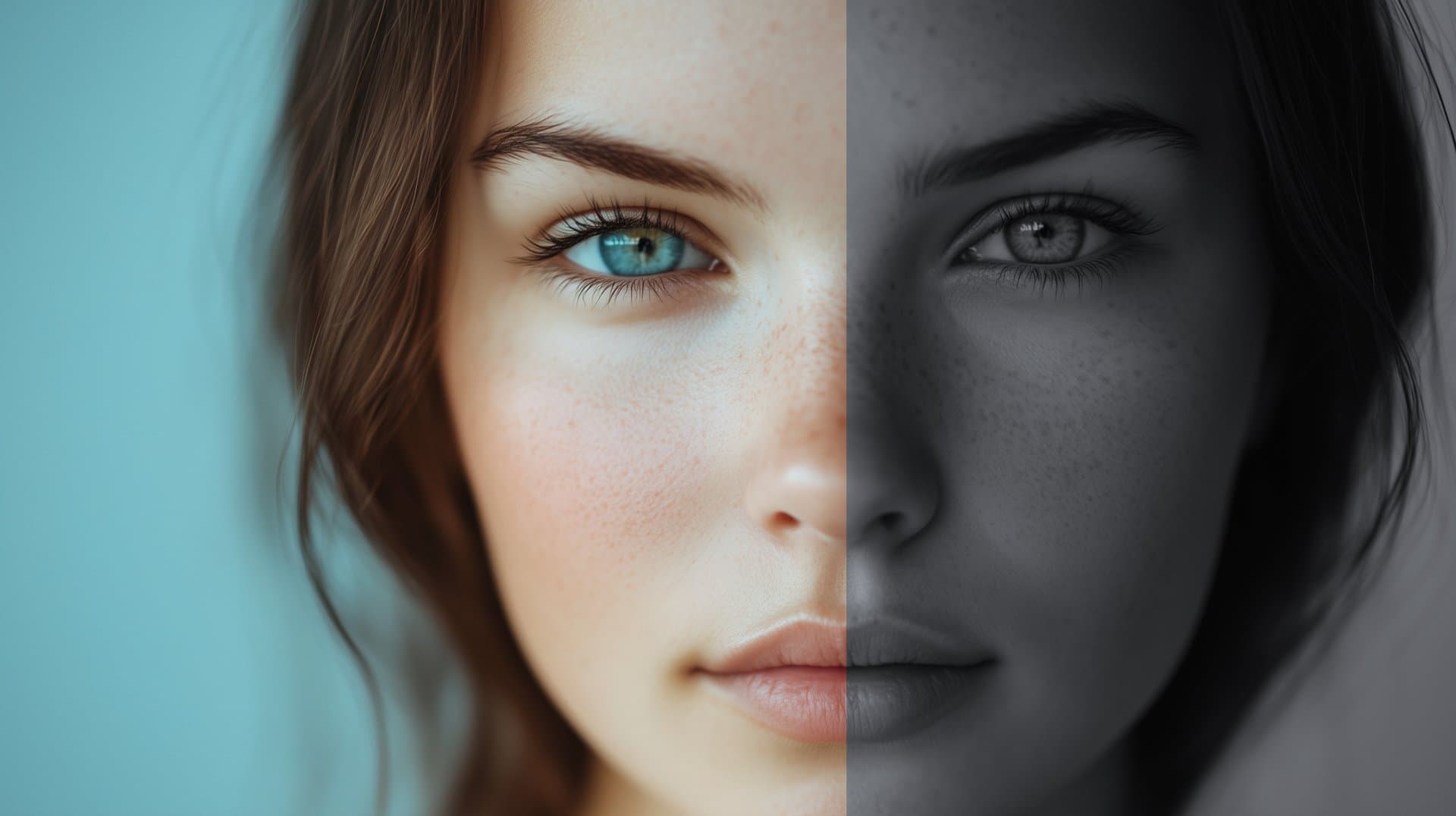
10 Best CapCut LUTs in 2026 (Free Download)
Video editing software like CapCut enables everyday people like you and me to make cinema grade content from the comfort of our own devices.
Whether you're creating YouTube content, editing music videos, or even just learning CapCut, LUTs are essential for achieving that pro level look.
In this roundup, I'll show you my favorite LUTs I've been using for my content. Each of these 10 LUTs I talk about you can get for free!
Quick picks
- Teal and Orange: cool teal shadows and warm orange highlights. The Hollywood look that makes skin tones pop.
- Cinematic Green: rich contrast and balanced mid-tones for a film-like look.
- Film: mimics analog film stock with subtle grain.
- Warm: golden and amber tones for lifestyle content and golden hour footage.
- Moody: darker shadows and muted highlights for dramatic or emotional scenes.
Pick the one that matches the mood of your footage. You can download all 10 free below.
Download these 10 LUTs free
All 10 .cube files from this post in one zip, ready to import into CapCut.
Download the LUTs (.zip)In This Article
What Are the Best CapCut LUTs?
For amateur video editing enthusiasts, cinematic LUTs are usually the go to color grading filter. BUT, there's heaps more effective LUTs you can add to your photo and video editing workflow. Here's my top 10 CapCut LUTs for 2026.
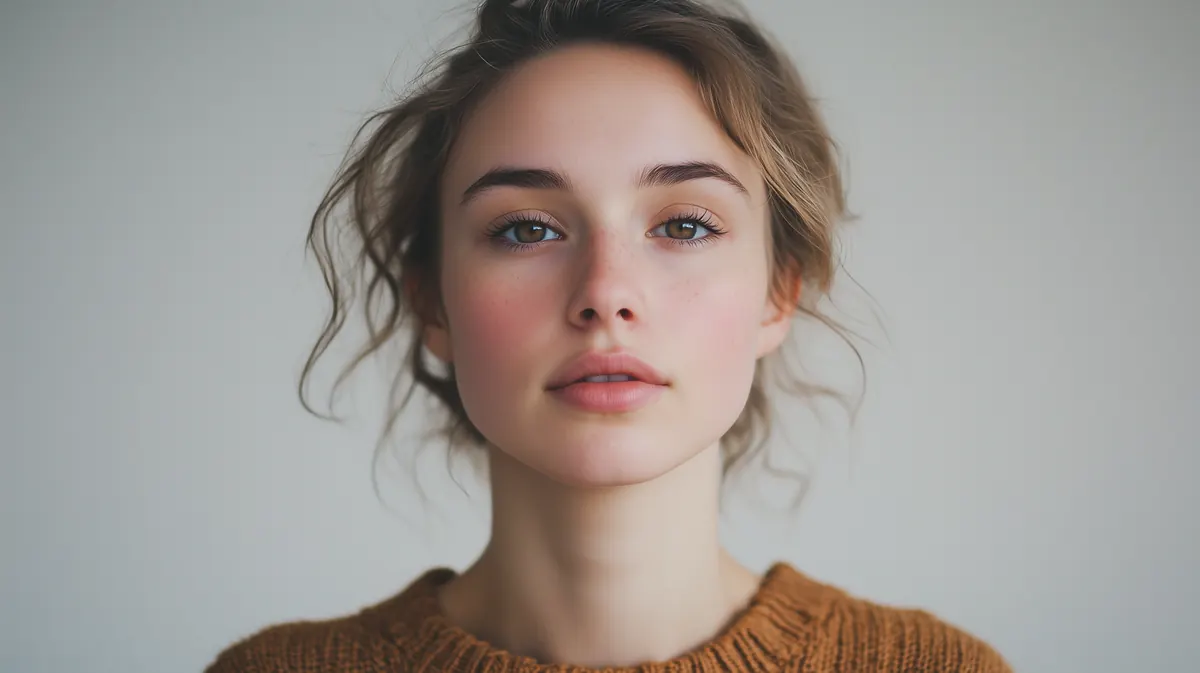
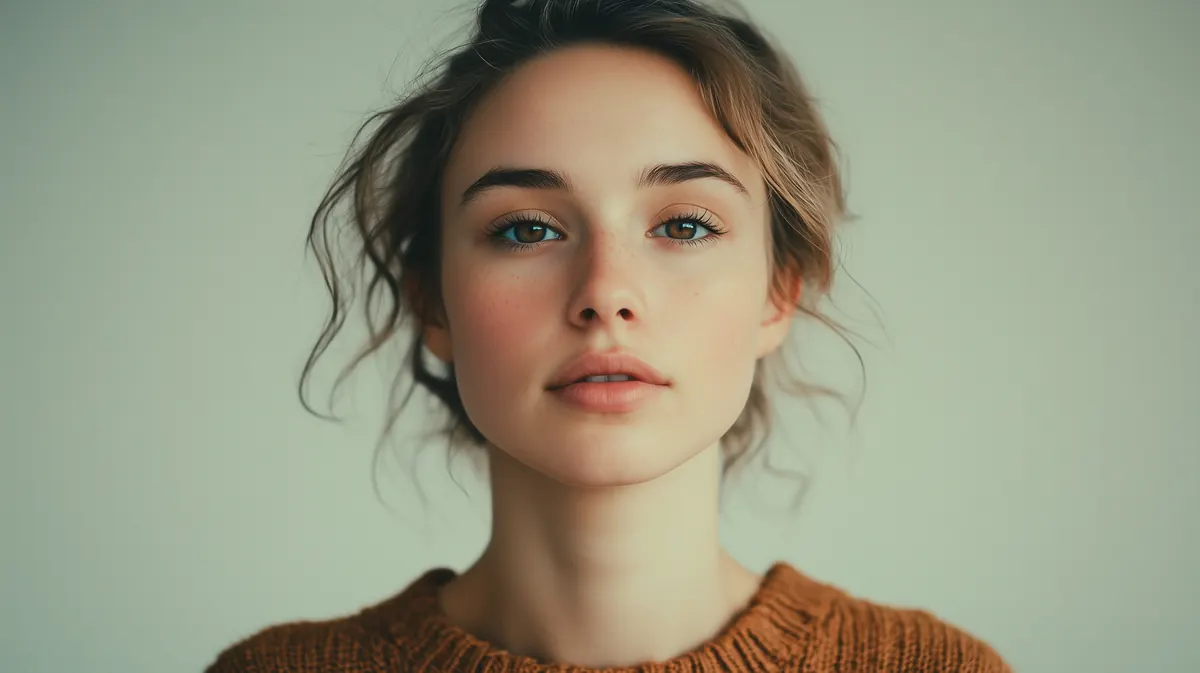
Drag each slider to compare before and after. Use the Preview on buttons under any slider to test every LUT on a different scene, like golden hour, outdoor midday or high contrast. Your pick switches all 10 at once.
1. Teal and Orange
Preview on:
A popular color grading style that emphasizes the contrast between cool teal shadows and warm orange highlights, commonly used in Hollywood blockbusters to create visual depth and make skin tones pop in video footage.
2. Cinematic Green
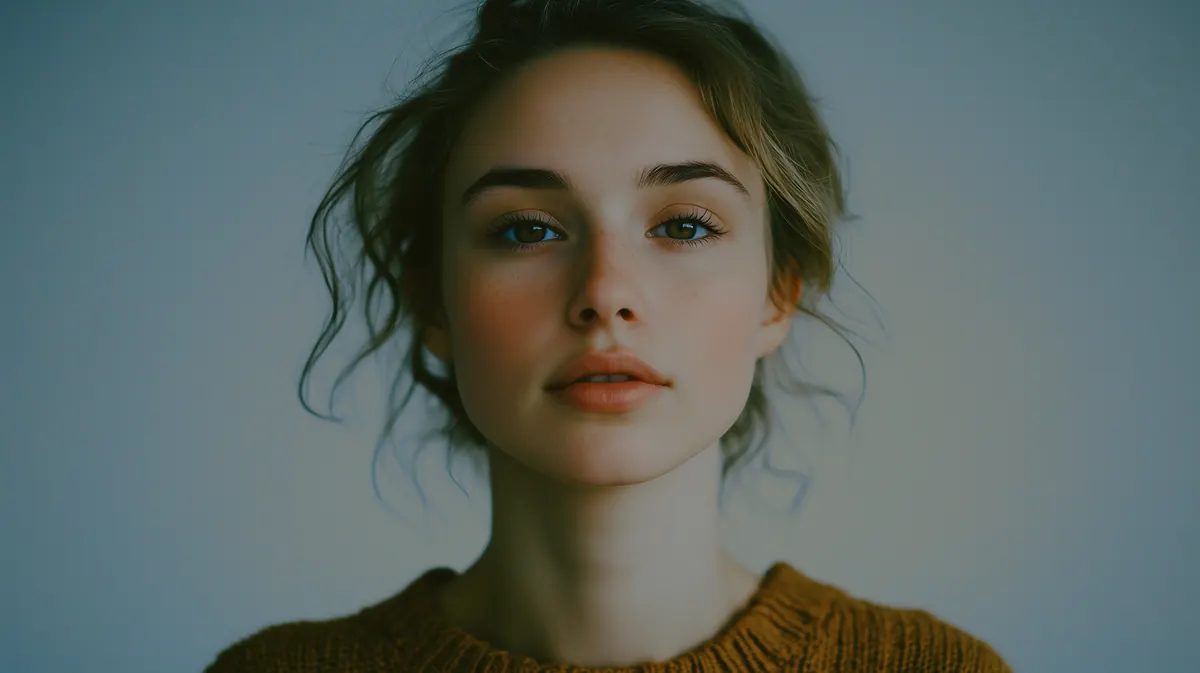
Preview on:
This LUT emulates professional movie color grading in your video editing by adding rich contrast, subtle highlight retention, and balanced mid-tones to transform ordinary video footage into film-like content. Cinematic LUTs in general are a must for any editor looking to level up their color grading process.
3. Film
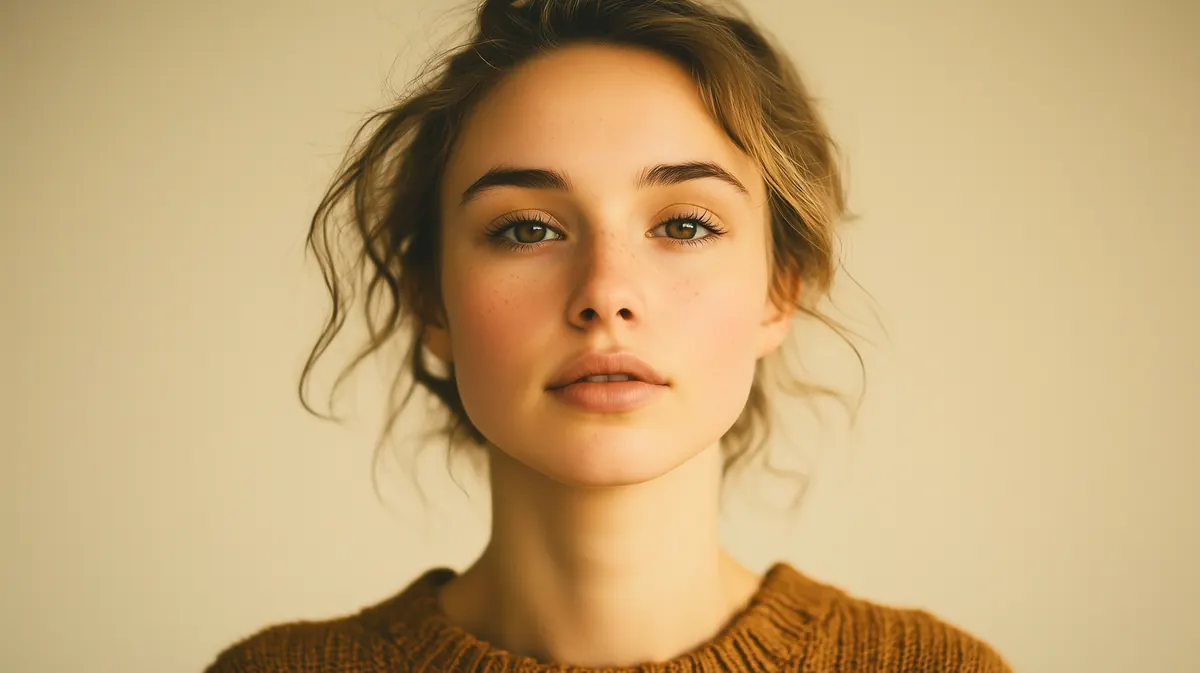
Preview on:
A color grading preset that mimics the organic qualities of analog film stock, adding subtle grain and adjusting color curves to achieve an authentic motion picture appearance in CapCut.
4. Vintage
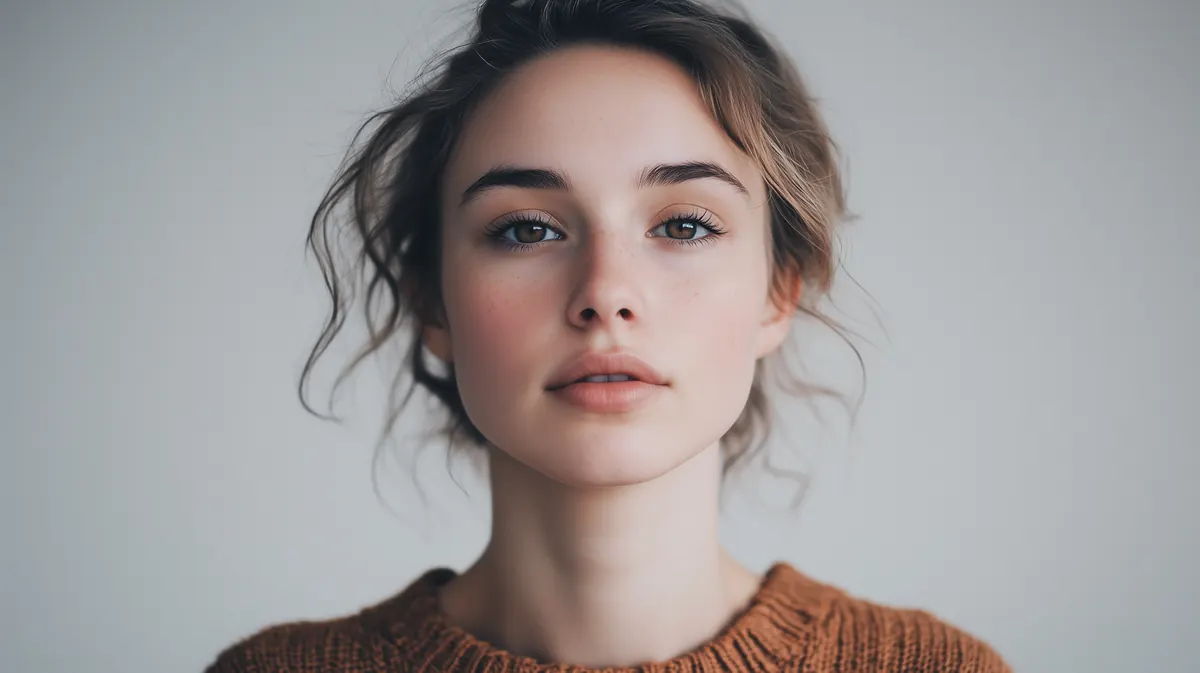
Preview on:
This LUT recreates retro aesthetics by muting colors, adding a slight fade to blacks, and introducing subtle color shifts to simulate the look of aged film or historical photo and video footage. A must for video editors looking to do nostalgic content or use LUTs to create flashback style scenes.
5. Urban
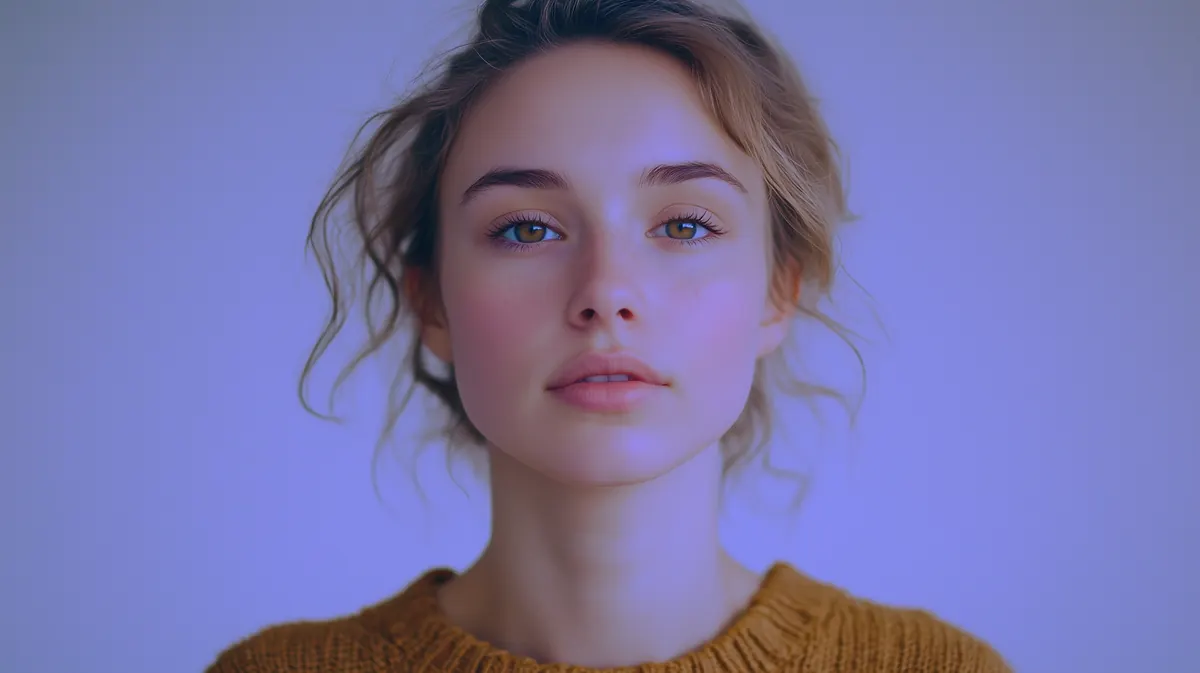
Preview on:
A modern color grading style featuring punchy contrasts, slightly desaturated colors, and enhanced clarity that's ideal for city scenes and street photography in video projects.
6. Warm
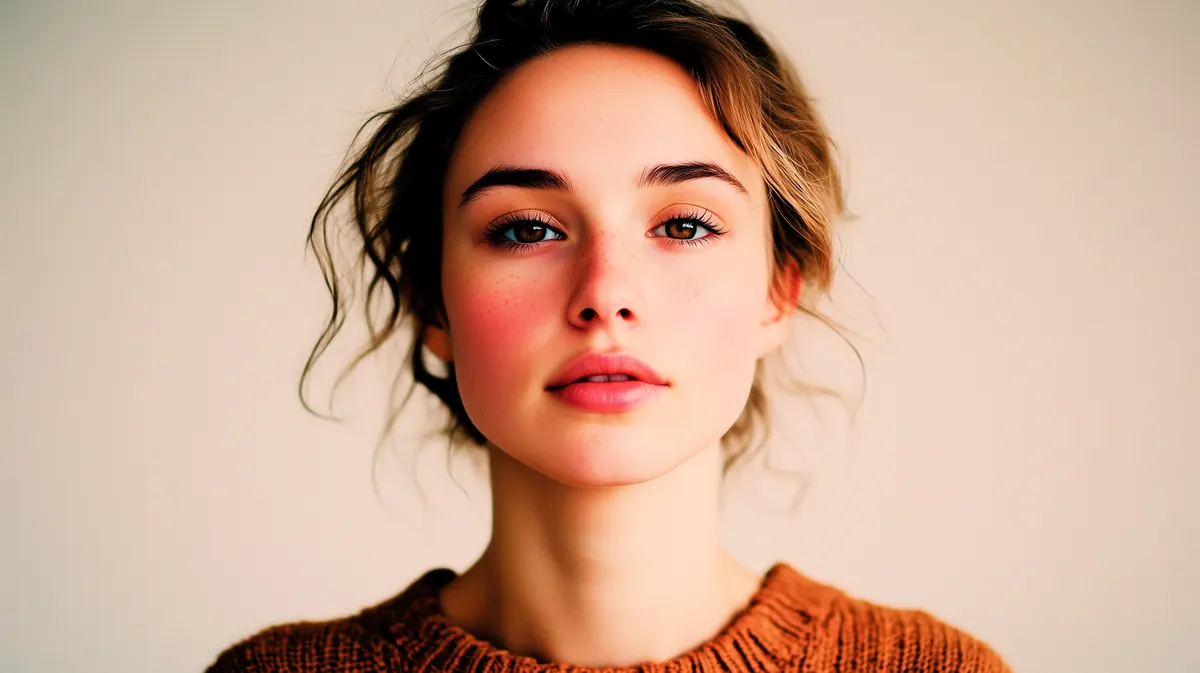
Preview on:
This LUT enhances golden and amber tones while softening harsh colors, creating an inviting atmosphere perfect for lifestyle content and golden hour video footage. Easy to use in any video editing software, including CapCut.
7. Cool Blue
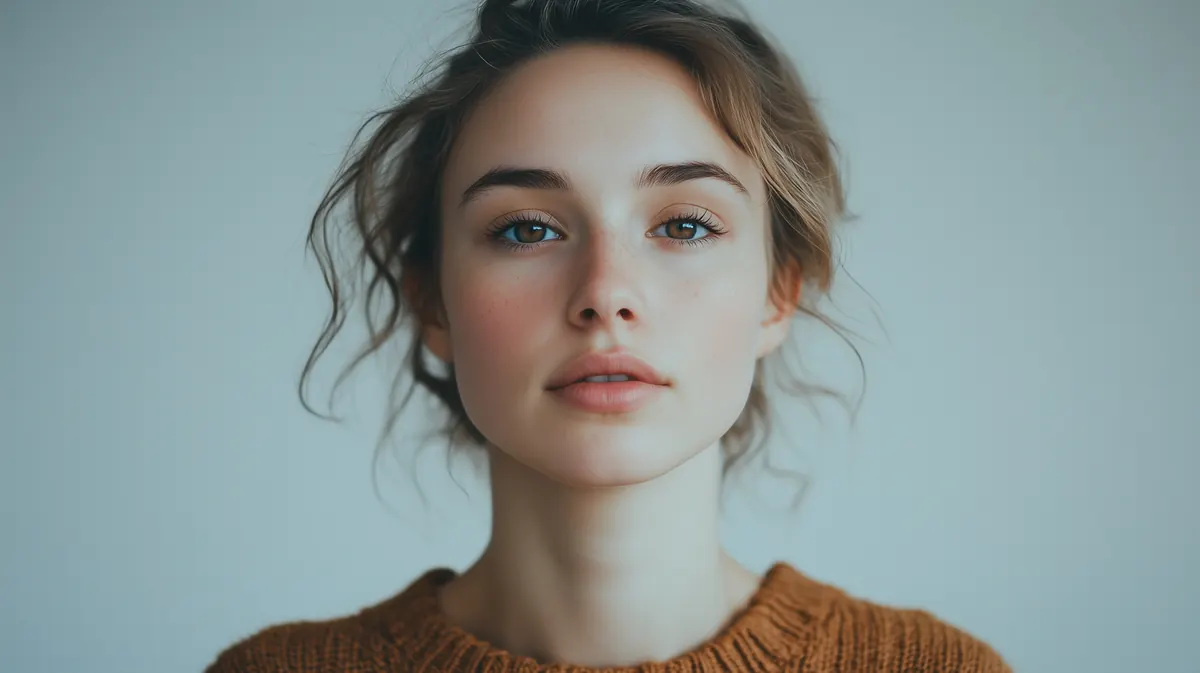
Preview on:
A color grading preset that emphasizes blue tones in shadows and mid-tones while maintaining neutral highlights, ideal for color grading moody or winter-themed video projects.
8. Blockbuster
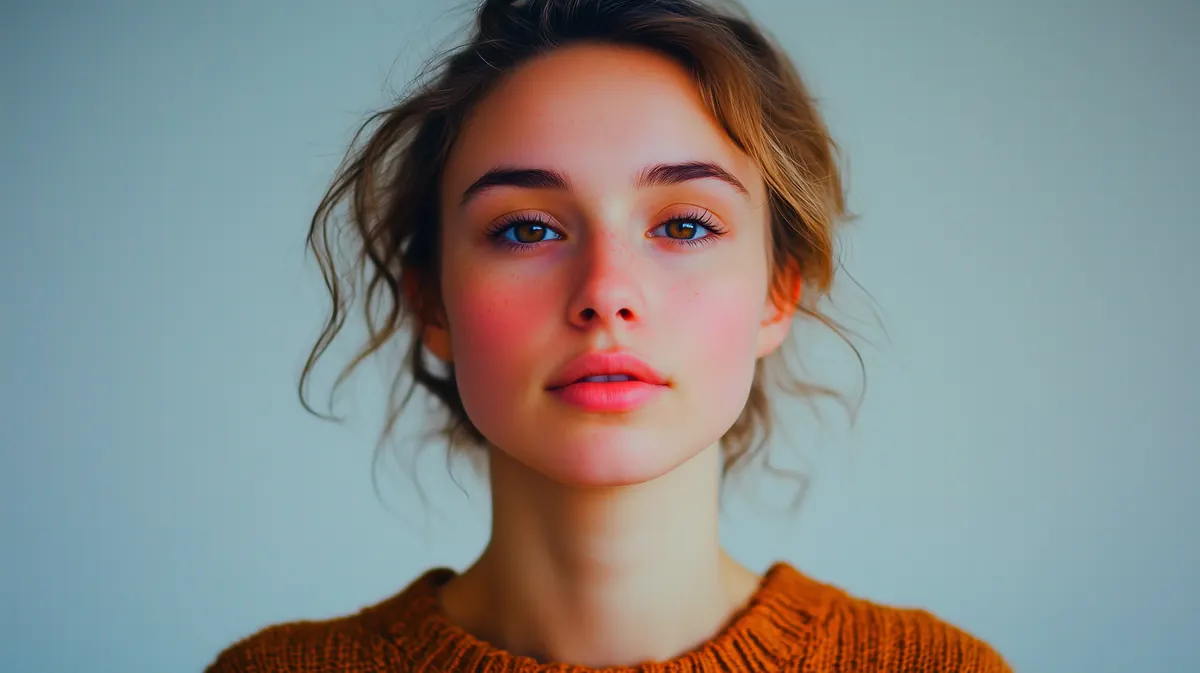
Preview on:
Emulates Hollywood's high-end color grading process with enhanced contrast, rich colors, and cinematic highlight treatment to give footage a premium theatrical look. Use LUTs like these to make your content look world class.
9. Natural
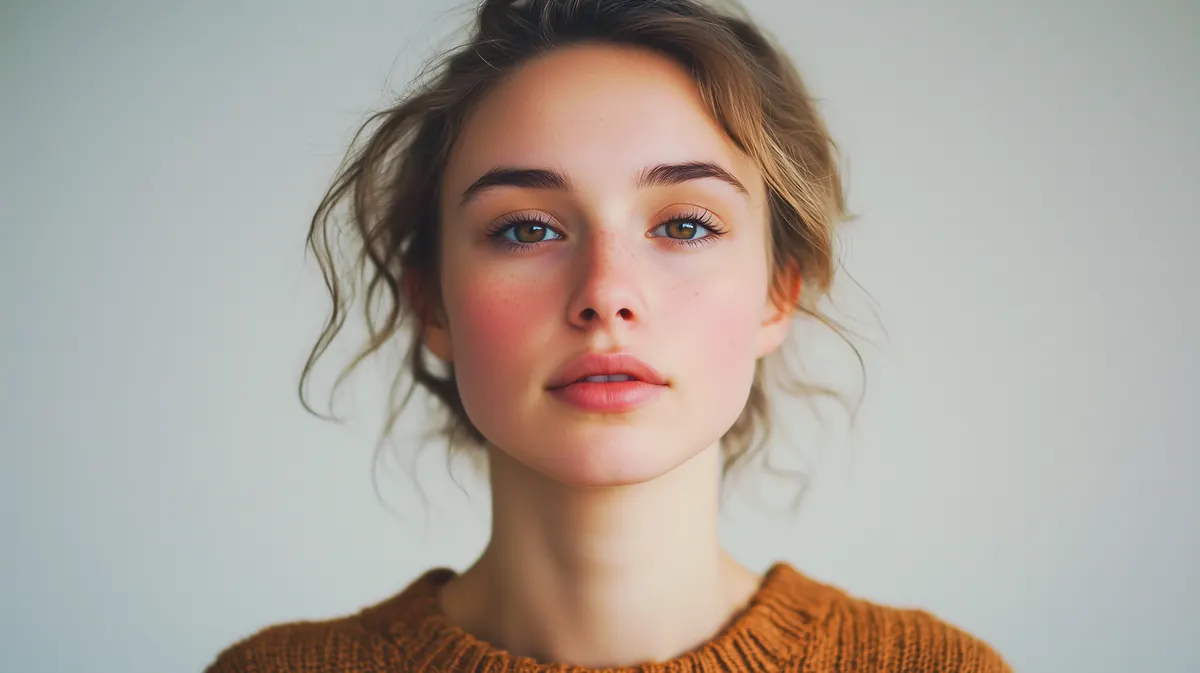
Preview on:
A subtle color grading approach that enhances footage while maintaining true-to-life colors and skin tones, perfect for documentary and interview video projects that require authenticity.
10. Moody
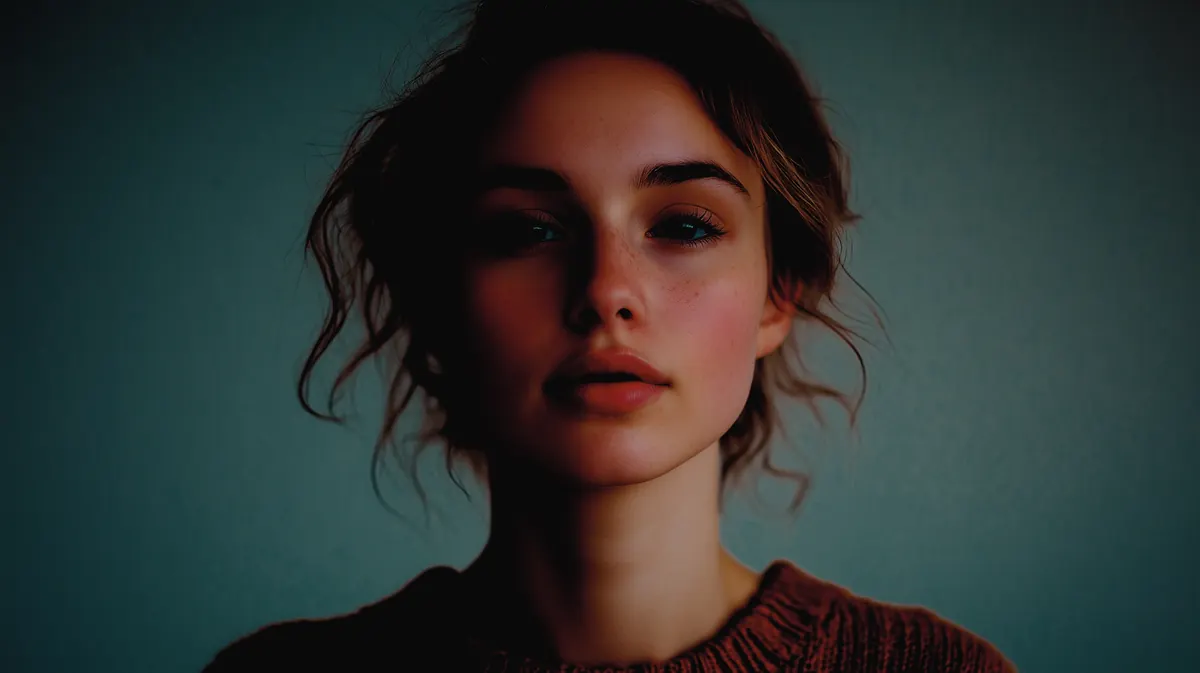
Preview on:
This LUT creates atmospheric depth through darker shadows, muted highlights, and selective color adjustments, ideal for dramatic or emotional scenes in cinematic video editing.
Download these 10 LUTs free
All 10 .cube files from this post in one zip, ready to import into CapCut.
Download the LUTs (.zip)How to Use These LUTs in CapCut
Grab the free pack above (10 .cube files), then follow my guide on how to add LUTs to CapCut to start using them.
Want to tweak the look even further? My intro to color grading in CapCut walks you through the basics.
So add this page to your Bookmarks, and come back next time you're looking for that perfect LUT to get just the right color balance.
Wrapping Up
Today we looked at the 10 best CapCut LUTs to use in your next project. There's something here for everyone!
Happy color grading. 😎