35 Best CapCut Fonts for Edits (Free + Live Preview)
The standard CapCut fonts can be a bit plain and repetitive, plus everyone uses them!
If you're searching for the best CapCut fonts to make your video edits more captivating and unique, you're in the right place.
Consider using these fonts before editing your next creative masterpiece. Whether you're aiming for a professional look or a fun, playful vibe, these CapCut fonts will enhance your content.
The good news is, almost all of these fonts are available for FREE via Google Fonts, links are provided below! The two exceptions are Burbank and Metaphobic, which aren't on Google Fonts. Want to compare even more? Our free font tester lets you preview 500 Google Fonts with your own text.
Quick picks
- Ubuntu Sans: clean, modern and easy to read
- Montserrat: readable for both titles and body text
- League Gothic: tall, condensed titles that grab attention
- Itim: playful and friendly for fun videos
- Sedan SC: classic serifs for brand videos and formal events
All five are free on Google Fonts. Install one on your PC, restart CapCut, then search for it by name in the font menu.
In This Article
How to Add Fonts to CapCut
First, let's take a quick lesson so you can import these CapCut fonts quickly and easily. Here's how:
Install Fonts on Your PC
- Download your CapCut fonts (usually a .zip folder)
- Unzip the folder to a location you won't delete later
- Open the .ttf (TrueType font file)
- In the top left, click "Install"
Use New Fonts in CapCut
Now the font is installed on your computer, you can use it in CapCut!
- If you already have CapCut open, close it, then reopen it (this reloads the CapCut fonts)
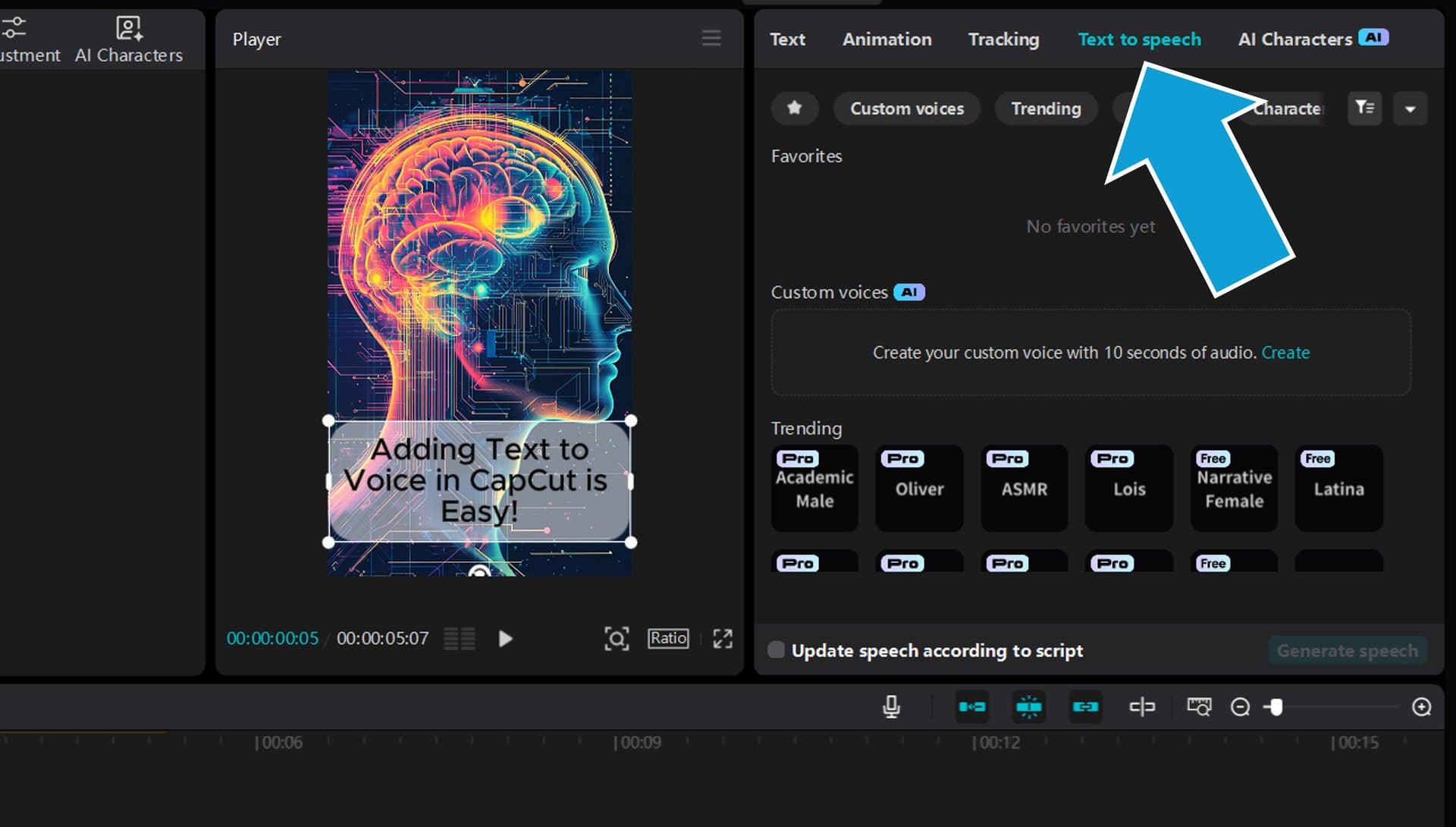
- Next you'll want to add text to CapCut
- Then, click the text box on your timeline
- In the top right panel, click the current font
- Type the name of your new CapCut font in the search bar and press enter
- Click your desired font and it will automatically be applied to your text box!
Ok, now the moment you've been waiting for... 👇
How to Choose a Font for Your Edit
- Captions need to be read fast. Clean fonts like Montserrat, Poppins or Rubik stay readable on a small phone screen.
- Hooks and titles can be loud. Tall, heavy fonts like League Gothic, Oswald or Poetsen One grab attention in the first second.
- Match the mood. Chewy and Gochi Hand feel fun and casual, Berkshire Swash and Aboreto feel premium, and Pirata One or Special Elite add grit.
- Use an outline on busy footage. A thick black outline keeps white or yellow text readable over any background.
- Stick to one or two fonts. One font for captions and one for titles keeps your edits looking consistent.
The 35 Best CapCut Fonts for Edits
Choosing the right font in CapCut can have a huge impact on audience engagement and video aesthetics. Here are the best CapCut fonts you should be using in 2026!
Tip: every Google Font below has a live preview. Tap Try your own text on any of them to type your hook or caption and change the size, colours and outline. Your changes show on every font at once. Want more options? Try the free font tester with 500 Google Fonts.
1. Ubuntu Sans
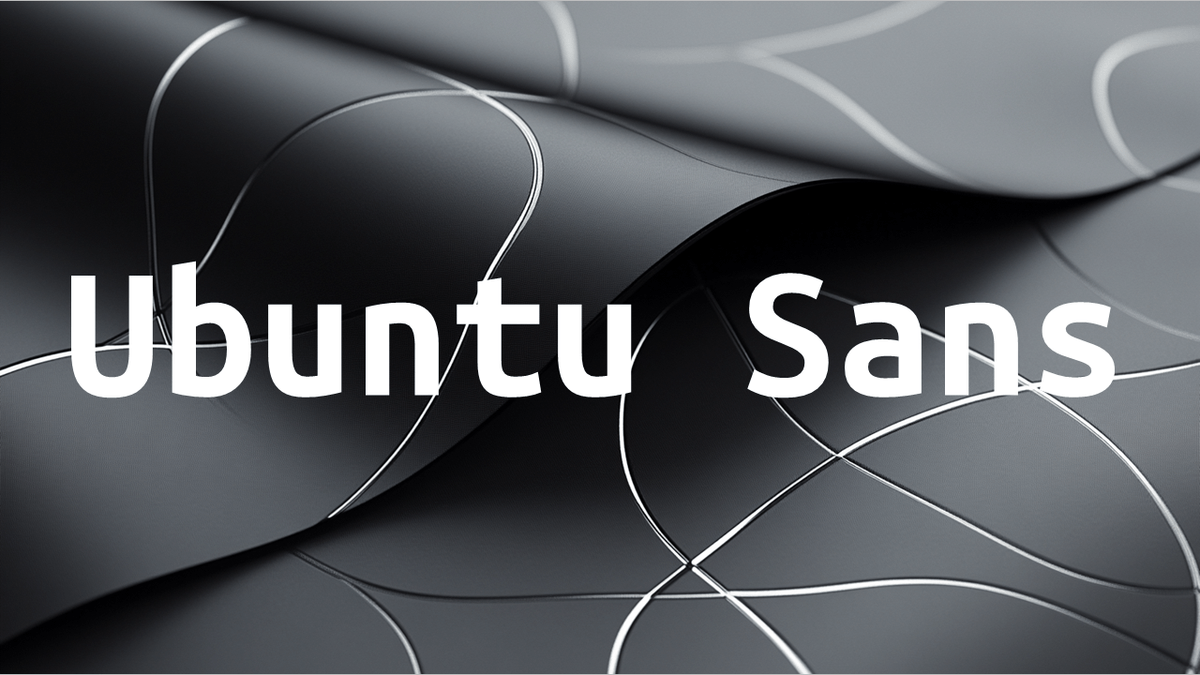
This clean and modern CapCut font brings exceptional readability to videos while maintaining a professional brand presence.
Your Edit Text
2. Itim

With its playful curves and friendly personality, Itim adds a fun, approachable feel to video titles.
Your Edit Text
3. Reddit Sans
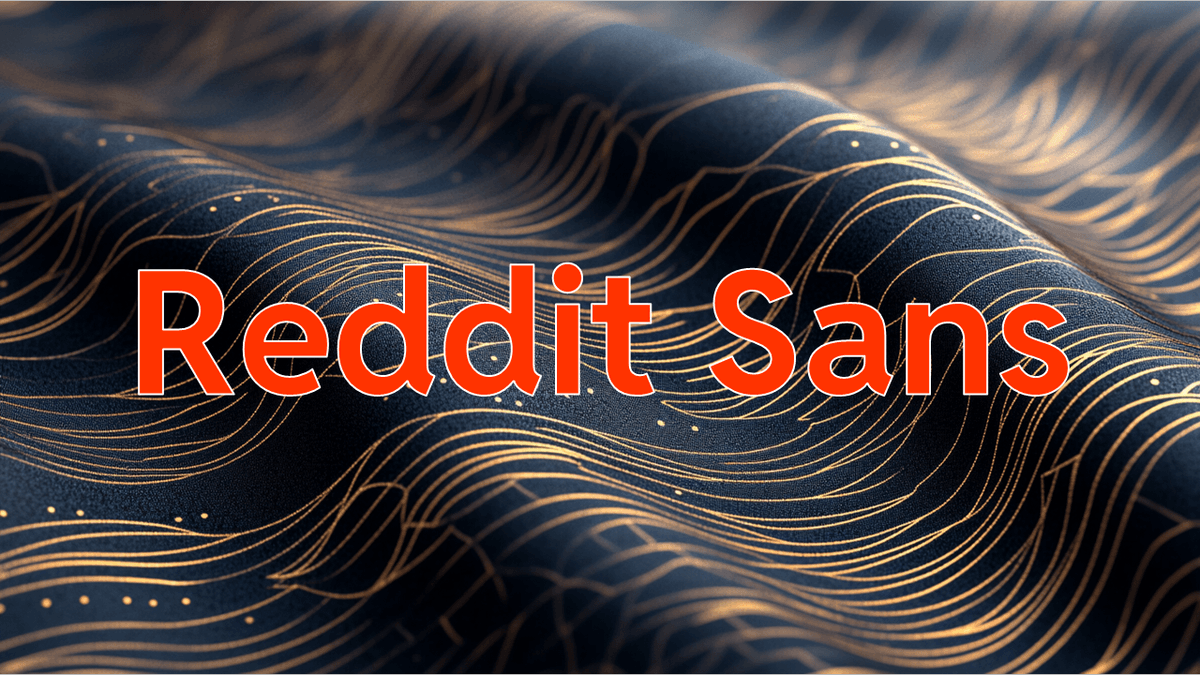
This CapCut font mirrors the familiar Reddit brand style, making it perfect for social media-focused videos.
Your Edit Text
4. Sedan SC
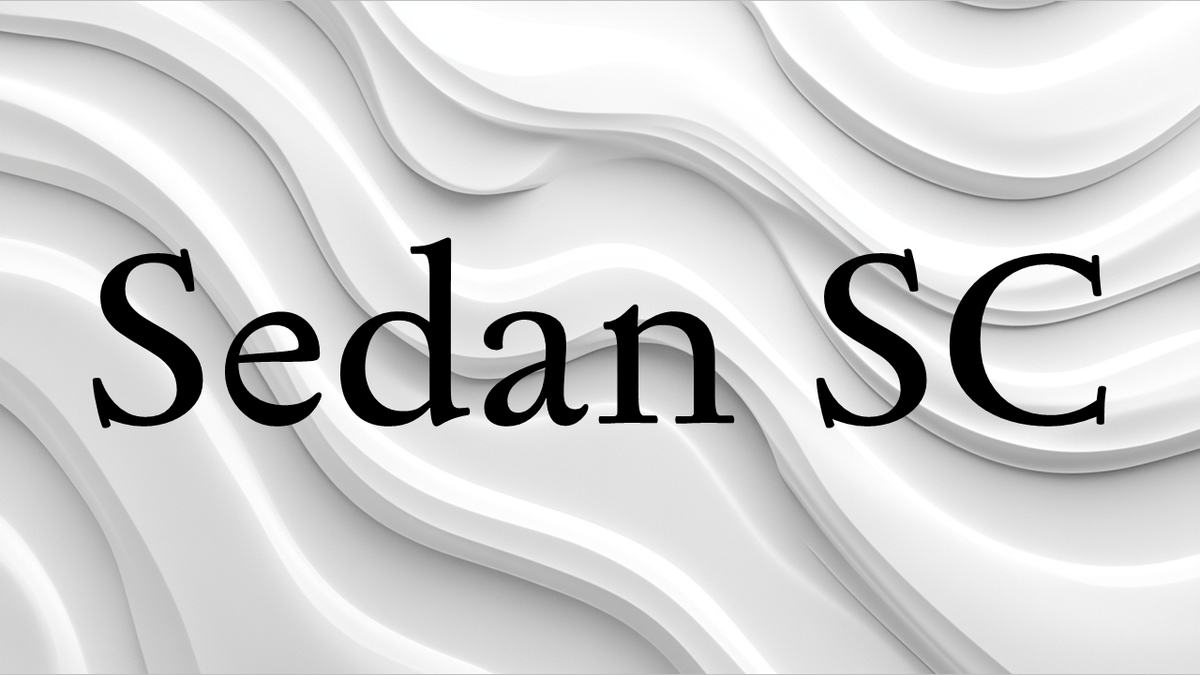
Sedan SC's classic serifs and structured design bring timeless elegance to brand videos and formal events.
Your Edit Text
5. Poetsen One
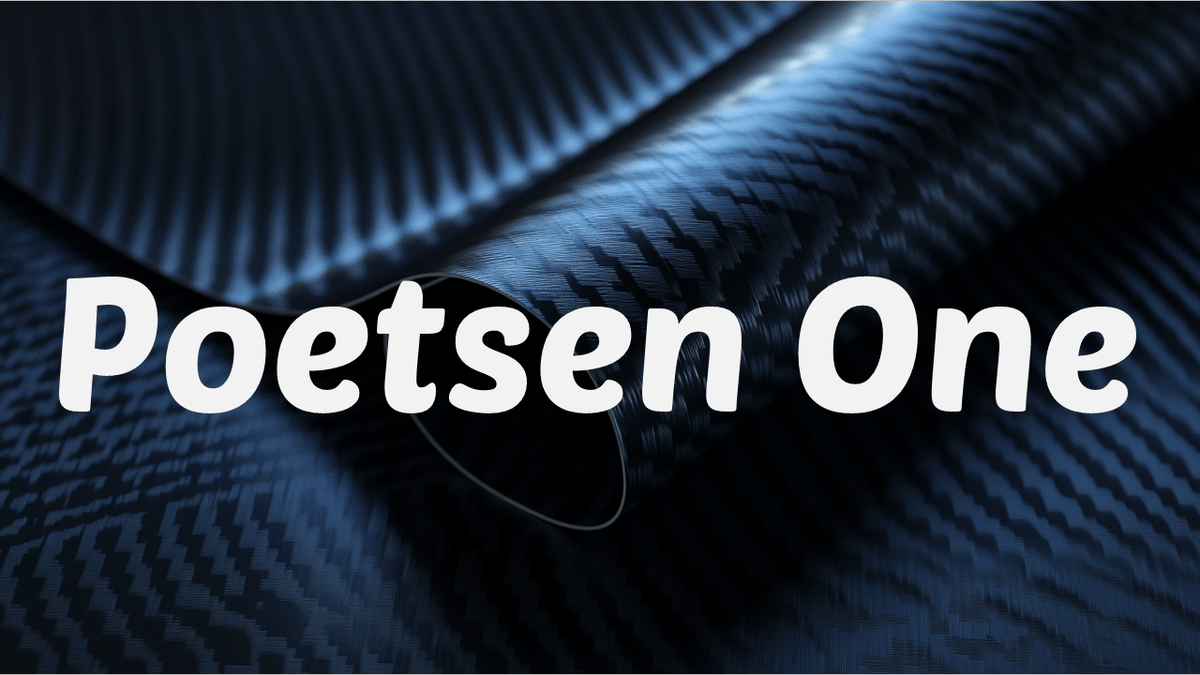
This bold and creative CapCut font commands attention in video titles with its strong personality.
Your Edit Text
6. Rubik

A versatile font that offers excellent readability for long-form video content while maintaining brand consistency.
Your Edit Text
7. Supermercado

This playful CapCut font brings energetic personality to videos with its bouncy, fun character.
Your Edit Text
8. Calistoga

With its vintage-inspired design, Calistoga adds creative flair to brand videos and special events.
Your Edit Text
9. Audiowide

This futuristic CapCut font creates eye-catching titles that capture viewers' attention instantly.
Your Edit Text
10. Jaro

A sharp, contemporary font that gives videos a modern edge while maintaining perfect readability.
Your Edit Text
11. Poppins

This versatile CapCut font family offers clean lines and professional appeal for any brand video.
Your Edit Text
12. Nunito

With its rounded edges and friendly personality, Nunito ensures comfortable readability for viewers.
Your Edit Text
13. Carter One
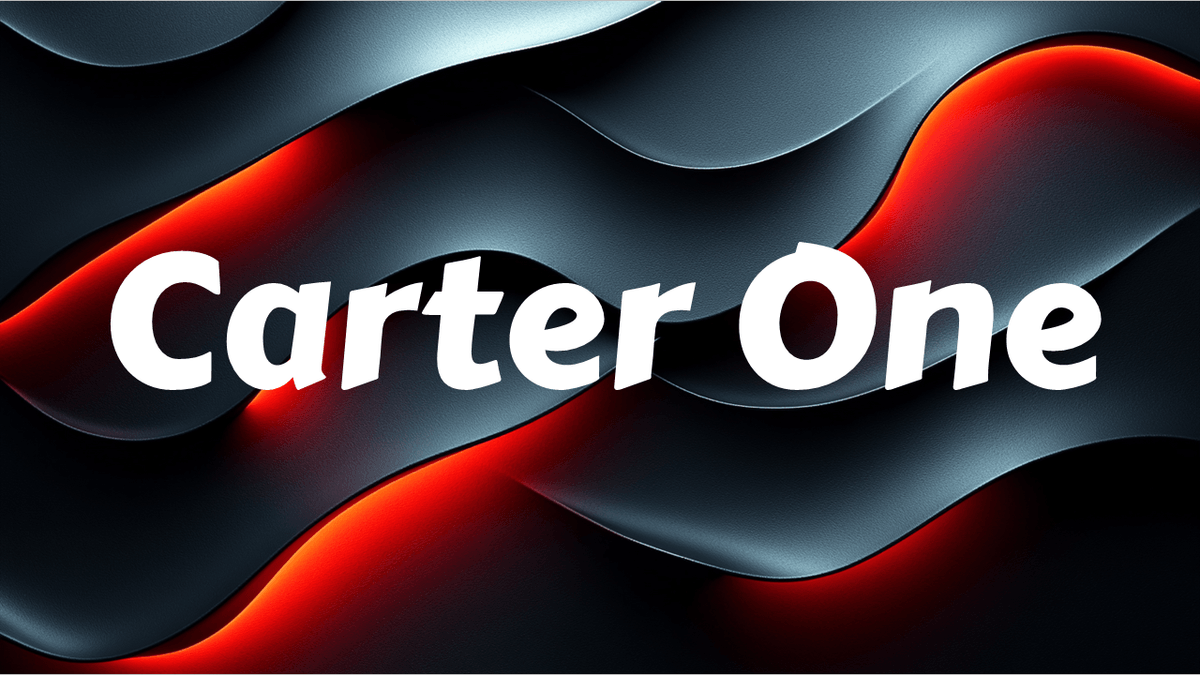
This bold CapCut font brings fun personality to videos while maintaining strong visual impact.
Your Edit Text
14. Roboto Mono
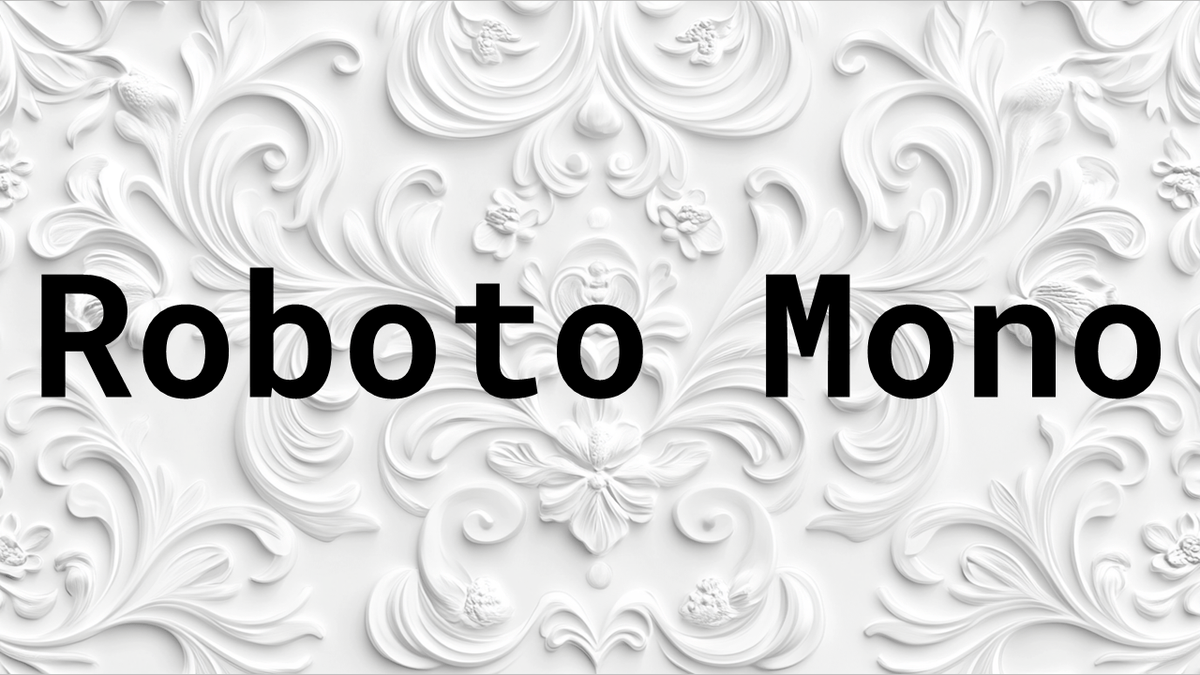
A technical-looking font perfect for brand videos that need a modern, coded appearance.
Your Edit Text
15. Montserrat

This elegant CapCut font provides excellent readability for both titles and body text in videos.
Your Edit Text
16. Kurale

A graceful serif font that adds sophistication to video titles and formal brand events.
Your Edit Text
17. League Gothic
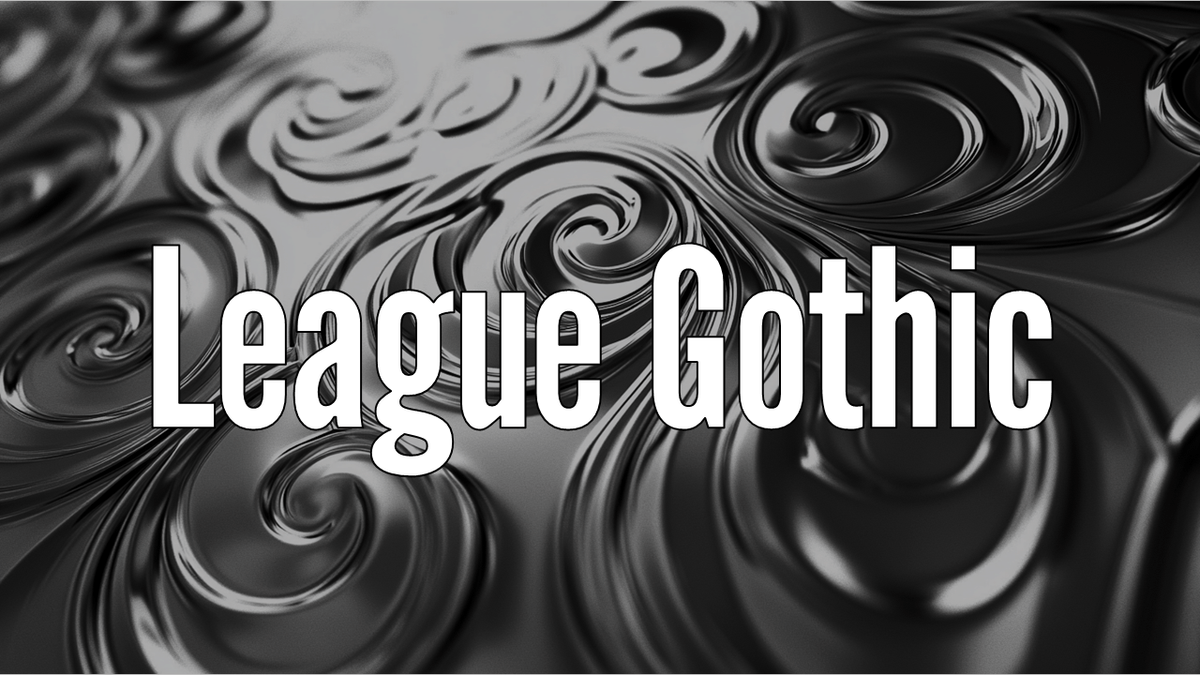
This tall, condensed CapCut font creates impactful titles that command viewers' attention.
Your Edit Text
18. Burbank

A playful font that brings Disney-like creative charm to fun video content. Heads up: Burbank isn't on Google Fonts. It's a commercial font, so check the license before you use it.
19. Metaphobic

This geometric CapCut font offers clean lines and modern appeal for brand videos. Heads up: Metaphobic isn't on Google Fonts either, so check the license before you use it.
20. Chela One
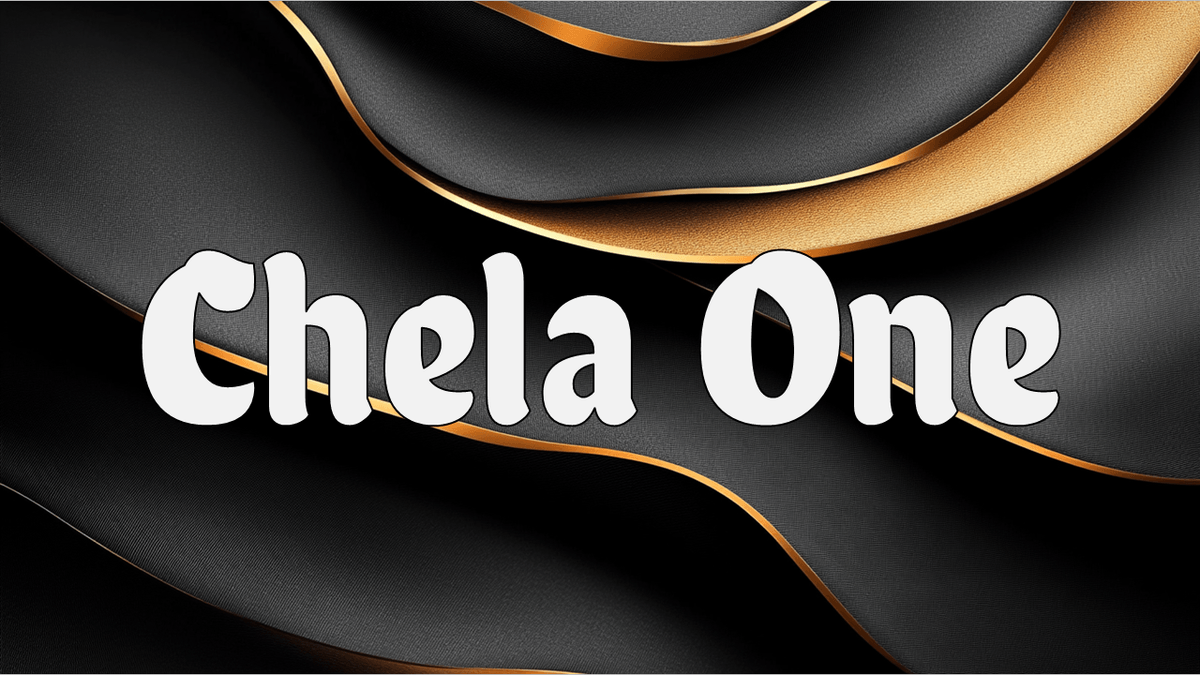
With its chunky, fun personality, this font makes creative video titles pop.
Your Edit Text
21. Fugaz One
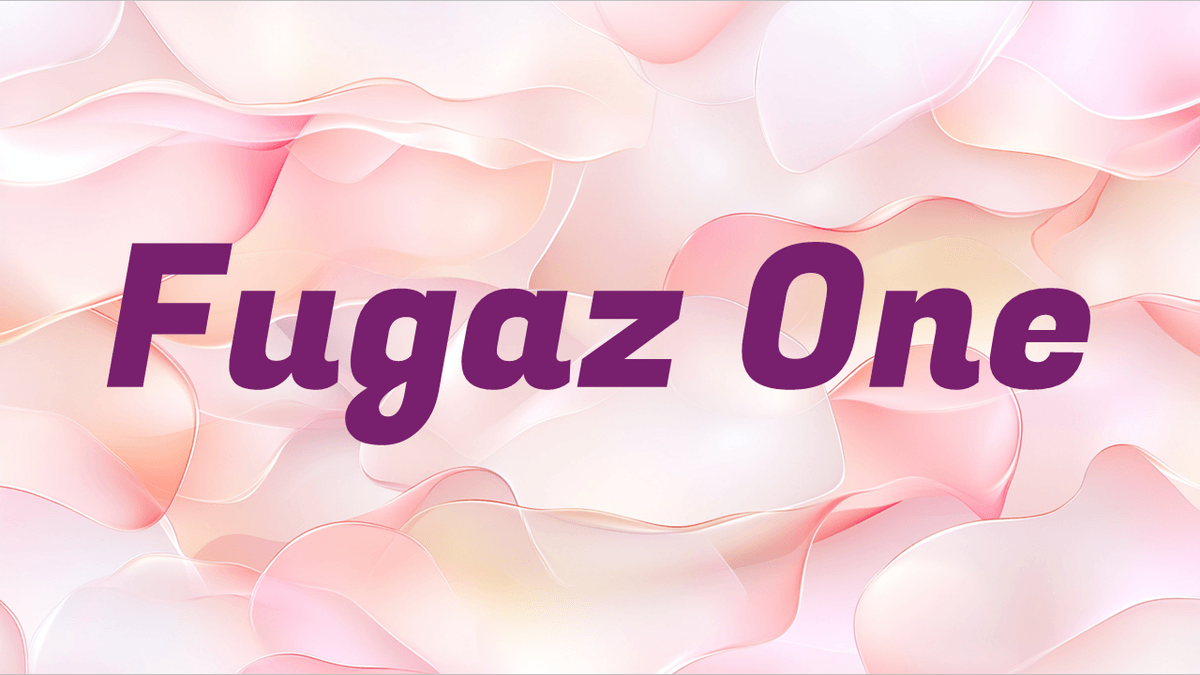
This bold CapCut font creates dynamic titles that grab viewers' attention instantly.
Your Edit Text
22. Teachers

A handwritten-style font that adds a personal touch to creative videos and informal events.
Your Edit Text
23. Acme

This friendly CapCut font brings cartoon-like personality to fun video content.
Your Edit Text
24. Chewy

A bouncy, rounded font that adds playful charm to creative video titles.
Your Edit Text
25. Noto Sans
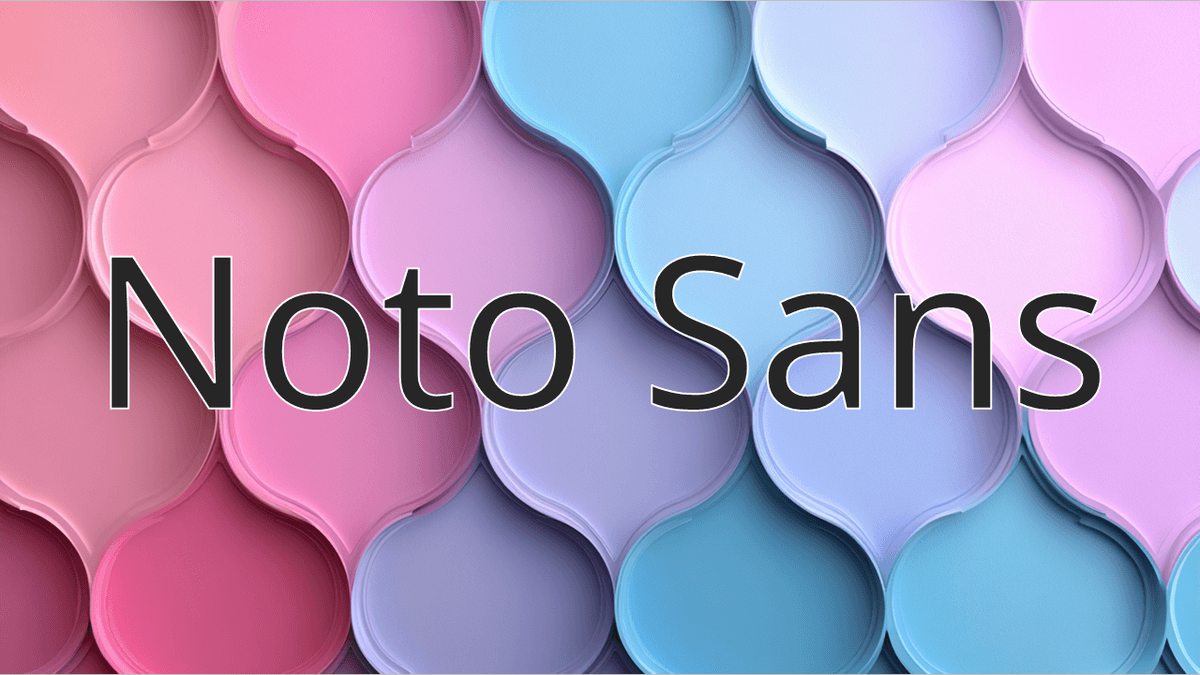
This universal CapCut font ensures consistent brand readability across all video platforms.
Your Edit Text
26. Oswald

A condensed font that creates strong, impactful titles for professional brand videos.
Your Edit Text
27. Agbalumo

This flowing CapCut font adds artistic personality to creative video content.
Your Edit Text
28. Amita

A script font that brings elegant flair to special events and romantic video themes.
Your Edit Text
29. Pirata One
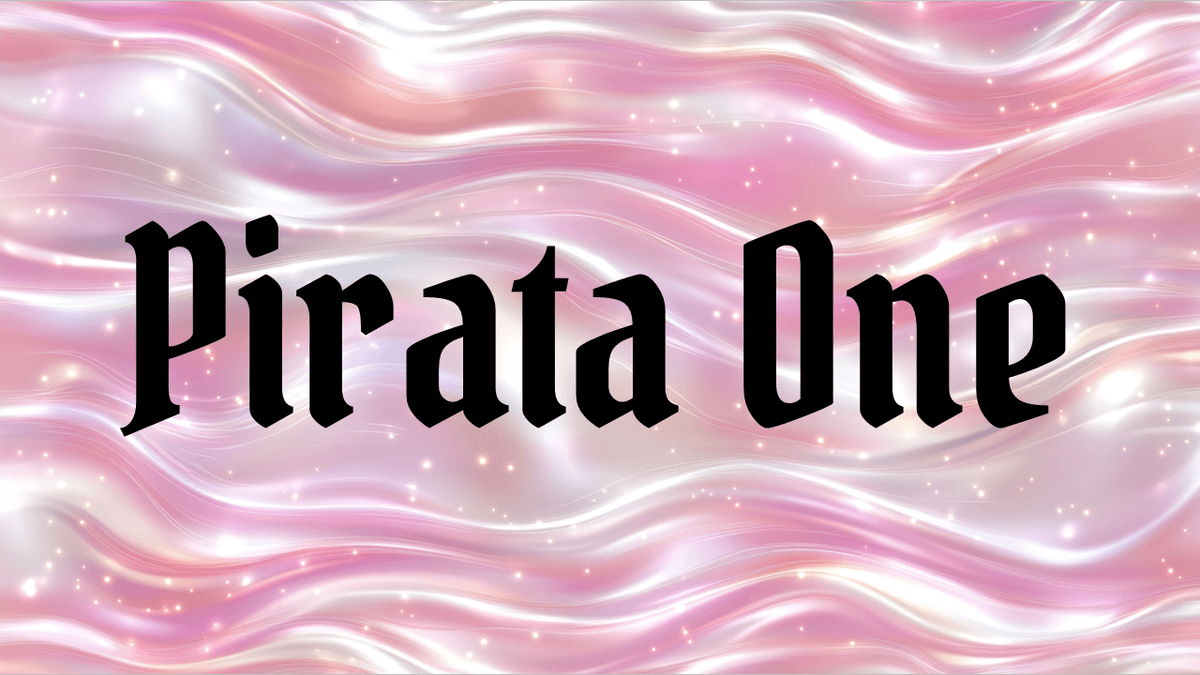
This decorative CapCut font creates adventurous titles for themed videos.
Your Edit Text
30. Berkshire Swash
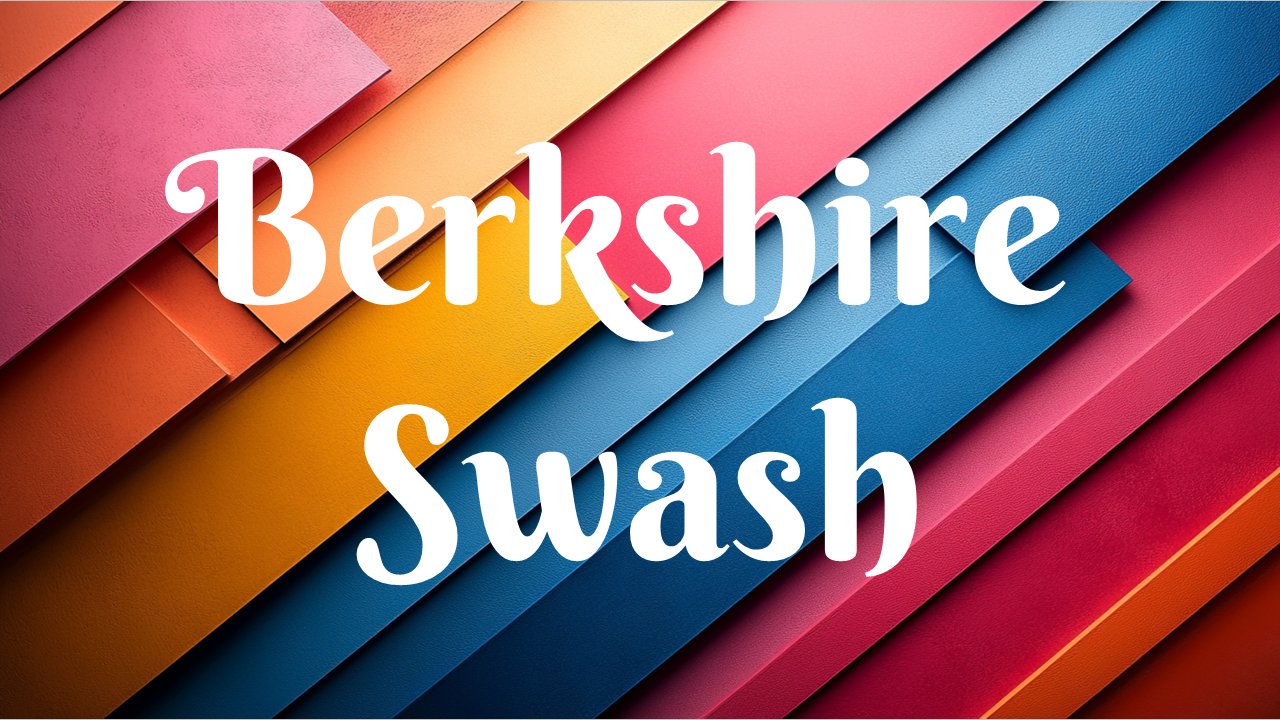
An elegant script font that adds sophistication to brand videos and formal events.
Your Edit Text
31. Balsamiq Sans
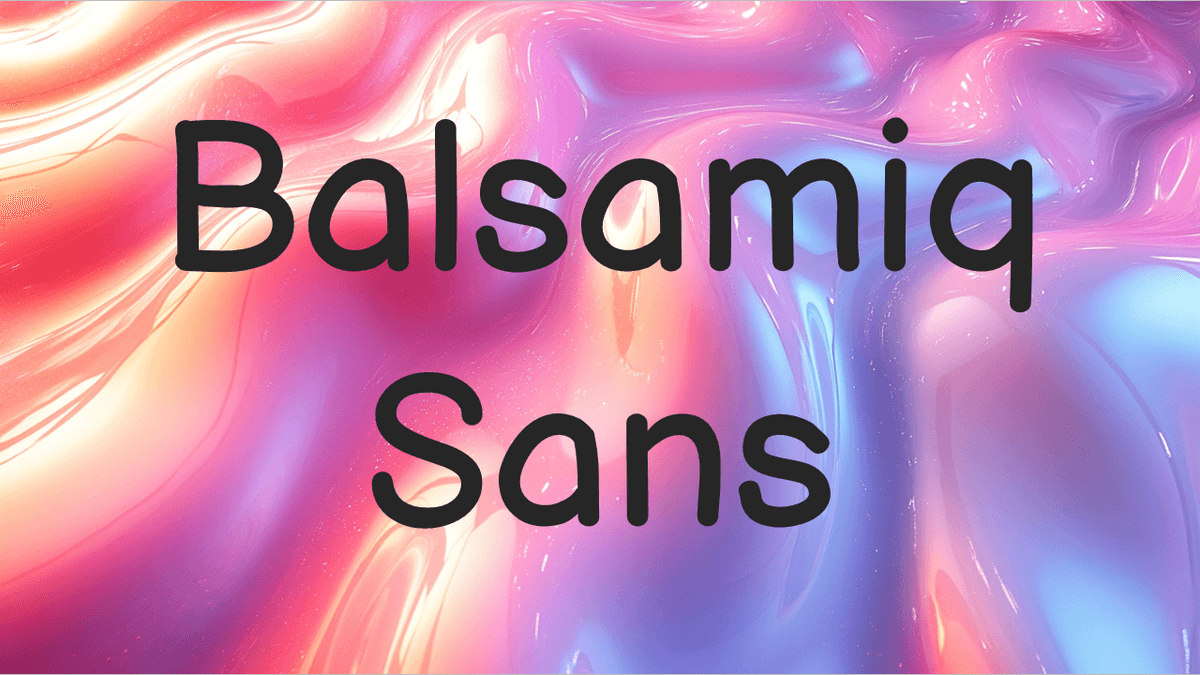
This handwritten-style CapCut font brings a fun, casual personality to creative videos.
Your Edit Text
32. Gochi Hand
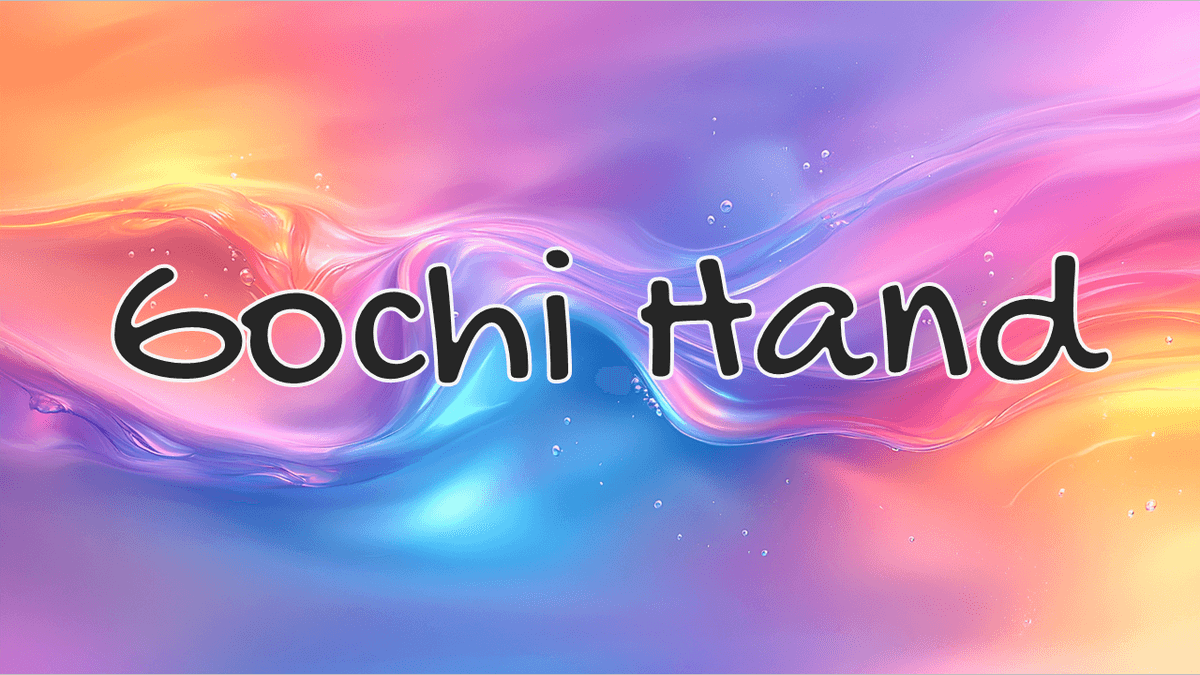
A playful handwritten font that adds authentic personality to casual video content.
Your Edit Text
33. Aboreto

This modern geometric CapCut font creates sophisticated titles for upscale brand videos.
Your Edit Text
34. Special Elite
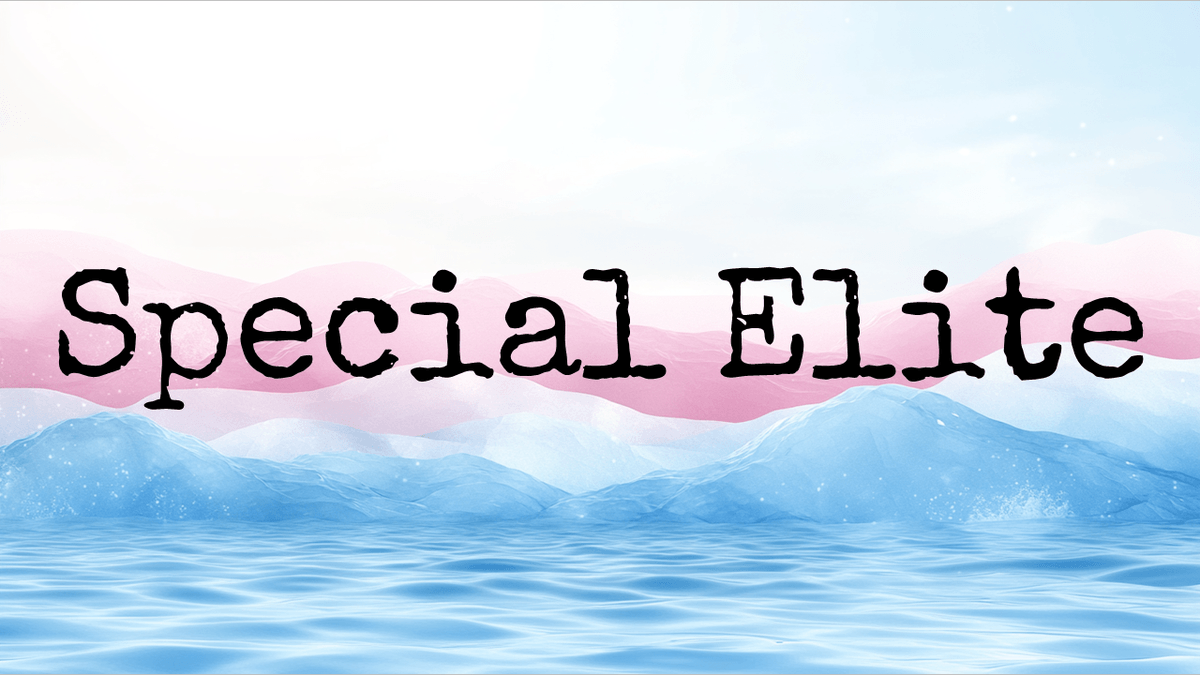
A vintage typewriter font that brings unique personality to creative video projects.
Your Edit Text
35. Arbutus

This distinctive CapCut font creates memorable titles with its bold, creative character.
Your Edit Text
Wrapping Up
Today we explored the best CapCut fonts to enhance your video edits.
From stylish and high-fashion fonts to playful and professional ones, each font has its unique charm and utility.
Whether you're aiming to convey elegance, fun, or professionalism, there's a CapCut font here for you!
Happy editing. 😎
Frequently asked questions
What are the best fonts for edits?
It depends on the look you want. For clean, easy-to-read captions, Montserrat, Poppins and Rubik are safe picks. For bold hook text, try League Gothic, Oswald or Poetsen One. For a fun feel, try Chewy or Gochi Hand, and for something elegant, Berkshire Swash or Aboreto. Use the live preview under each font to see your own text in it.
Are these CapCut fonts free?
33 of the 35 fonts are from Google Fonts, which are free and open source, so you can use them in personal and commercial videos, including monetized YouTube videos and client work. Burbank and Metaphobic aren't on Google Fonts, so check their license before using them.
How do I add fonts to CapCut?
Download the font from Google Fonts (Get font, then Download all), unzip it, open the .ttf file and click Install (Install Font on a Mac). Restart CapCut, select your text and search the font list for the font's name.
Why does my text look a little different in CapCut?
The letter shapes are identical, but CapCut draws outlines, shadows and letter spacing its own way, so an outline can come out slightly thicker or thinner than in the preview.
Why don't Burbank and Metaphobic have a live preview?
They aren't on Google Fonts, so they can't be loaded in your browser for free. The other 33 fonts in this list all have one.
Is the font preview free?
Yes. It's free with no sign-up and works on phones as well as computers. Each font loads from Google Fonts as you scroll to it, and your text and style settings apply to every font at once.