Naturality Free LUT
Similar Free LUTs
All 100 LUTs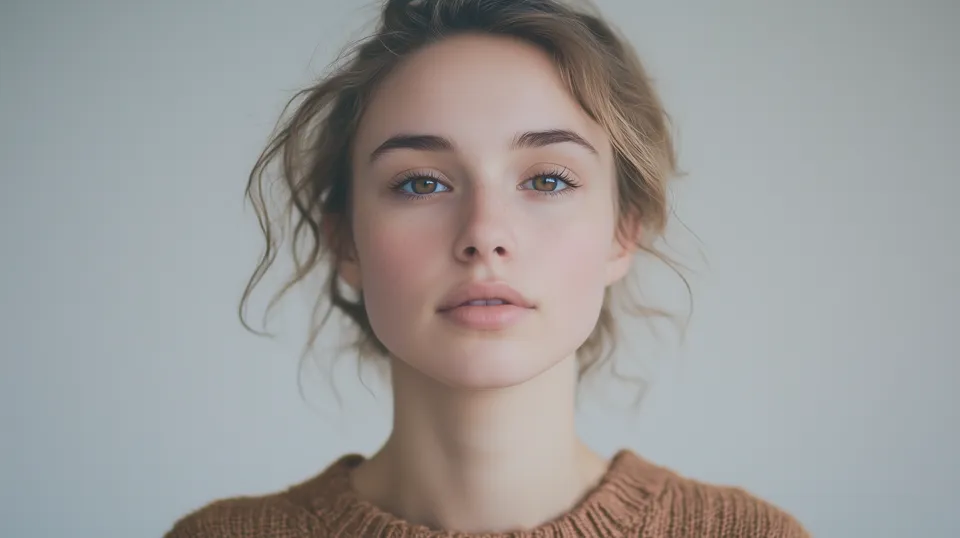
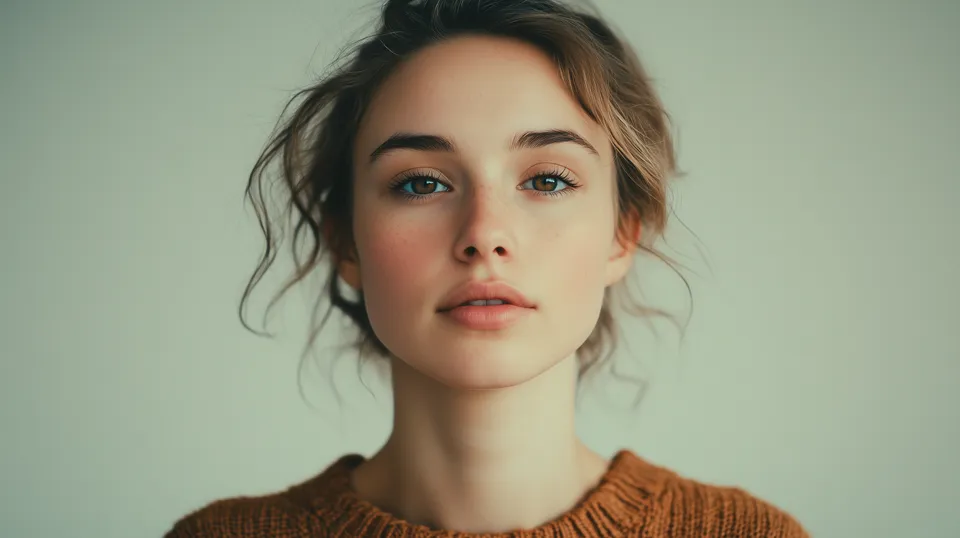
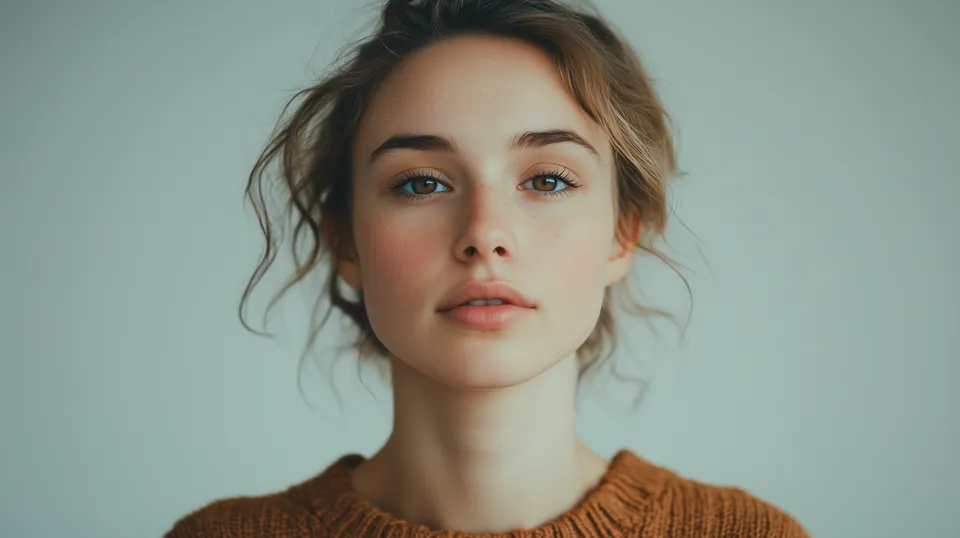
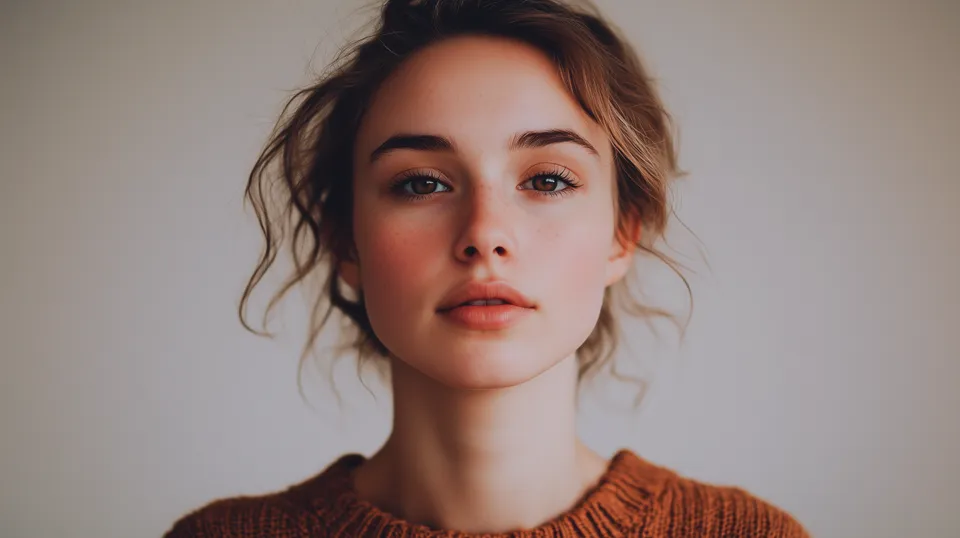
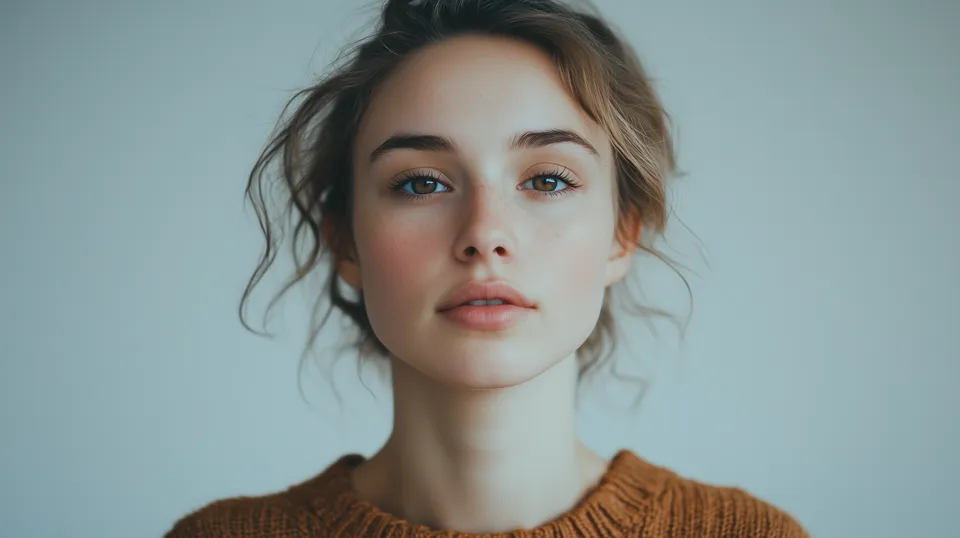
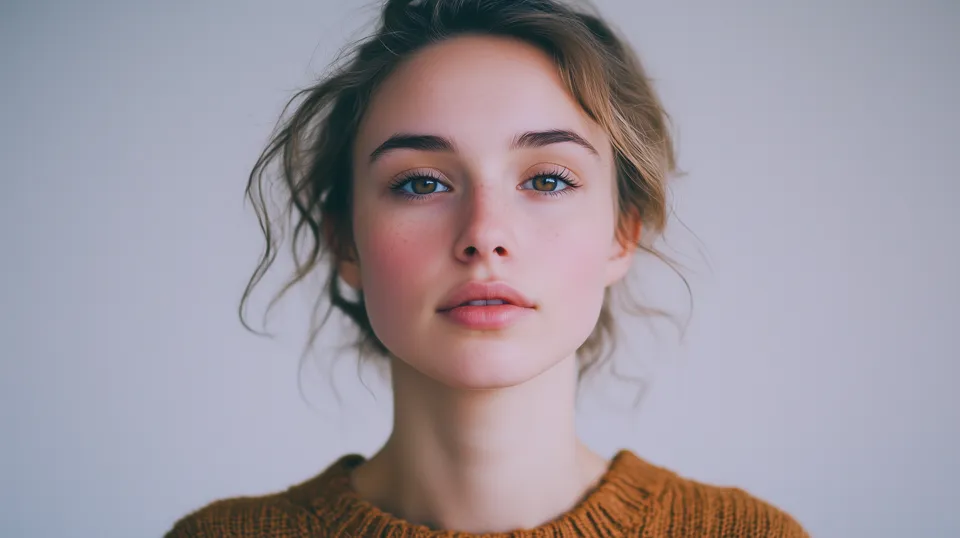
Got a folder of .cube files you want to preview?
Drop your own photo or video and load as many .cube LUTs as you like in our browser-side LUT Previewer — nothing gets uploaded.
How to use Naturality.cube in your editor
Blackmagic Camera App
Save naturality.cube to Files, open Settings → LUTs → Import LUT, and toggle Display LUT on to monitor live while shooting.
CapCut (Desktop)
Open Adjustment → LUT → Import, select naturality.cube, then drag it onto your timeline and dial Strength to 40–80%. See our CapCut LUT guide.
Premiere Pro
Open the Lumetri Color panel → Creative → Look → Browse and pick the .cube file. Use the Intensity slider to keep skin tones natural.
DaVinci Resolve
Drop the .cube file into your Resolve LUT folder (Project Settings → Color Management → Open LUT Folder), click Update Lists, and apply it on a node.
Free for personal and commercial projects. No sign-up and no credit needed, though a link back is always appreciated. Please don't resell them or share them as a download pack. Terms